56 Introduction
Before Use
Setting and Editing Bluetooth Handsfree
■ Handsfree settings
You can perform settings for handsfree operation on the phone
Settings screen. You can perform settings individually for each
registered cell phone. For details on switching the cell phone, see
“Connecting a cell phone” on Page 46.
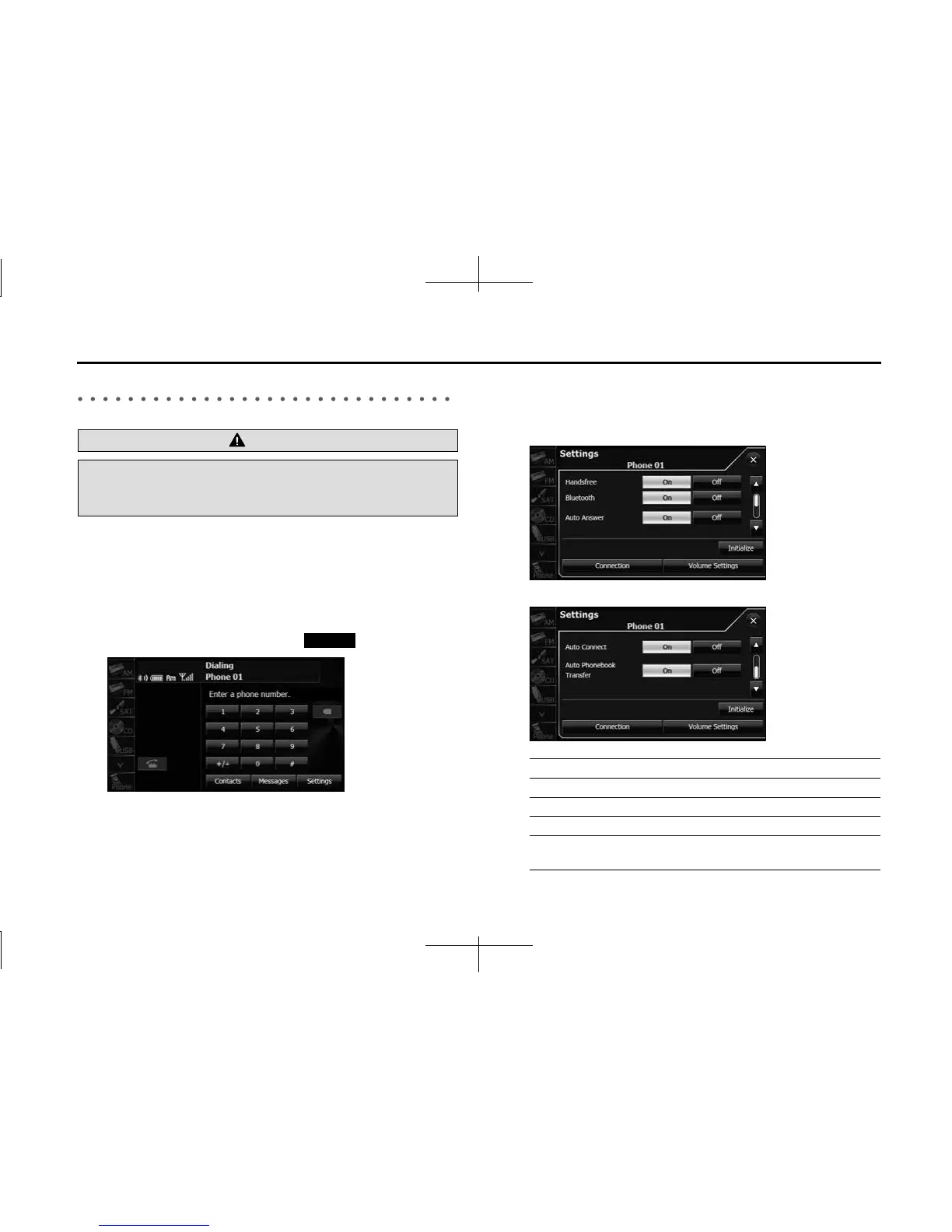
1 On the handsfree screen, touch (Settings).
2 On the phone Settings screen, you can perform the
following settings by touching the setting buttons for
each item.
<Phone Settings screen (page 1)>
<Phone Settings screen (page 2)>
WARNING
Do not set or edit cell phones while driving. Be sure to park the
vehicle in a safe location before performing setting or editing
operations.
Settings
Item Function
Handsfree Set the handsfree function to on or off.
Bluetooth Set the Bluetooth function to on or off.
Auto Answer Set automatic call acceptance.
Auto Connect Set automatic connection between a registered
cell phone and the unit.














 To Next Page