Navigation 141
Navigation
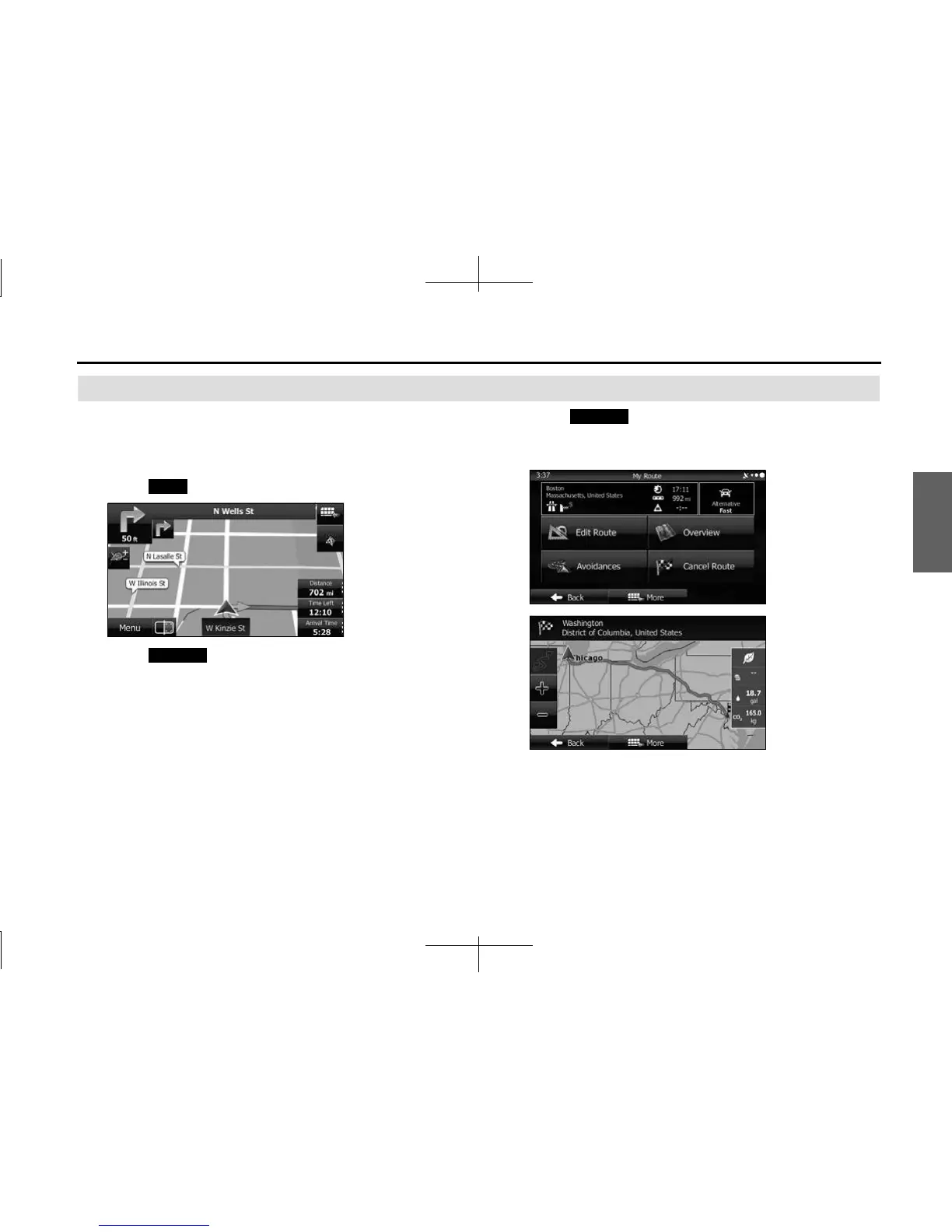
Displaying the Entire Route on the Map
You can easily display an overview of the entire route
currently being navigated. Follow the steps below to use the
initial settings screen.
1 Touch (Menu) on the Map screen.
2 Touch (My Route) on the navigation menu.
3 Touch (Overview). The entire route currently
being navigated is displayed on the map along with
detailed information and buttons.
Menu
My Route
Overview














 To Next Page