Audio and Visual 205
Basic Operation
■ Using a preset sound quality
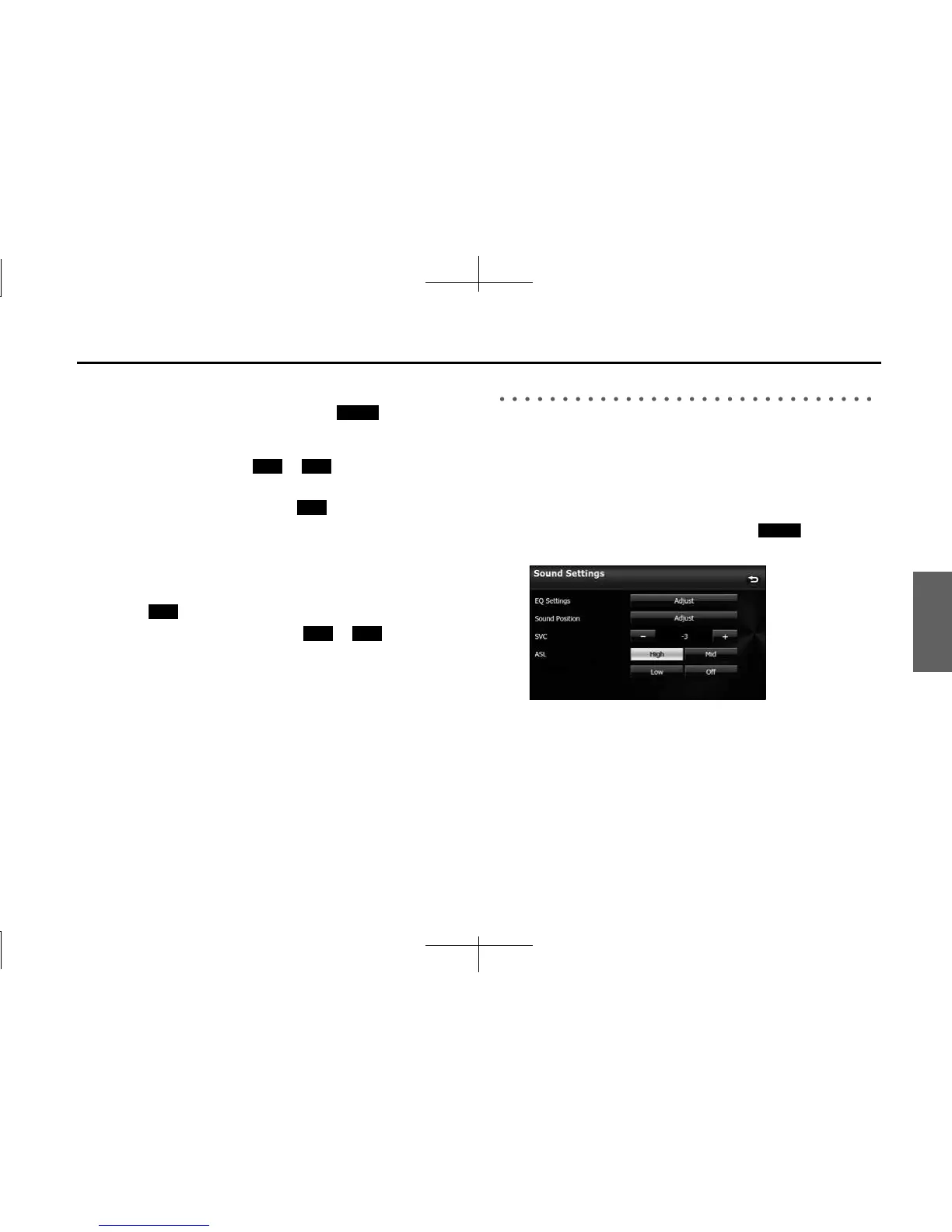
1 On the Sound Settings screen, touch (Adjust) in
EQ Settings.
2 Touch any button from to to activate the
corresponding preset sound quality.
• To reset the sound quality, touch (Flat).
■ Resetting the EQ curve
You can return the adjusted value for the currently stored equalizer to
its initial value.
1 Touch (Flat) for 2 seconds or more.
• The adjusted values for the stored to are returned
to their initial values.
Adjusting the Audio Balance
■ Adjusting the positioning selector
You can change the sound localization according to the number and
position of passengers. Also, you can adjust the sound balance from
front to rear and left to right to optimize the sound from speakers from
which sound has difficulty traveling.
1 On the Sound Settings screen, touch (Adjust) in
Sound Position.
Adjust
EQ1 EQ5
Flat
Flat
EQ1 EQ5
Adjust














 To Next Page