Audio and Visual 203
Basic Operation
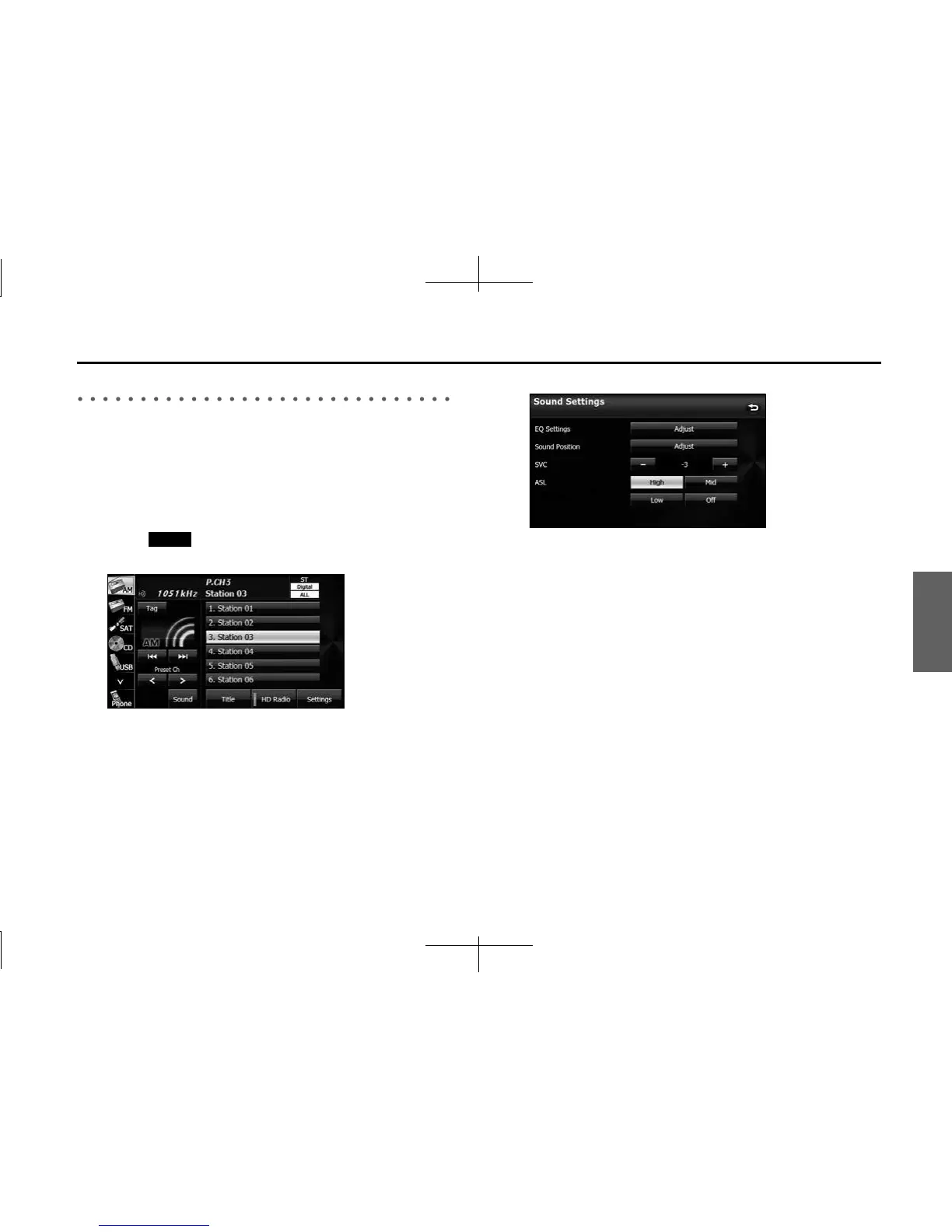
Displaying the Sound Settings Screen
When you switch to the Sound Settings screen from any of the Audio
operations screens, the following operations are available.
• Adjusting the sound quality
• Adjusting the audio balance
• Setting the source volume control
• Adjusting the automatic sound levelizer
1 Touch (Sound) on any of the audio operations
screens.
2 Touch the button that you want to set.
Sound














 To Next Page