Other 293
Other Operations
• When the button is pressed while guidance voice,
talkback voice or help voice is being played, you can skip the
voice guidance.
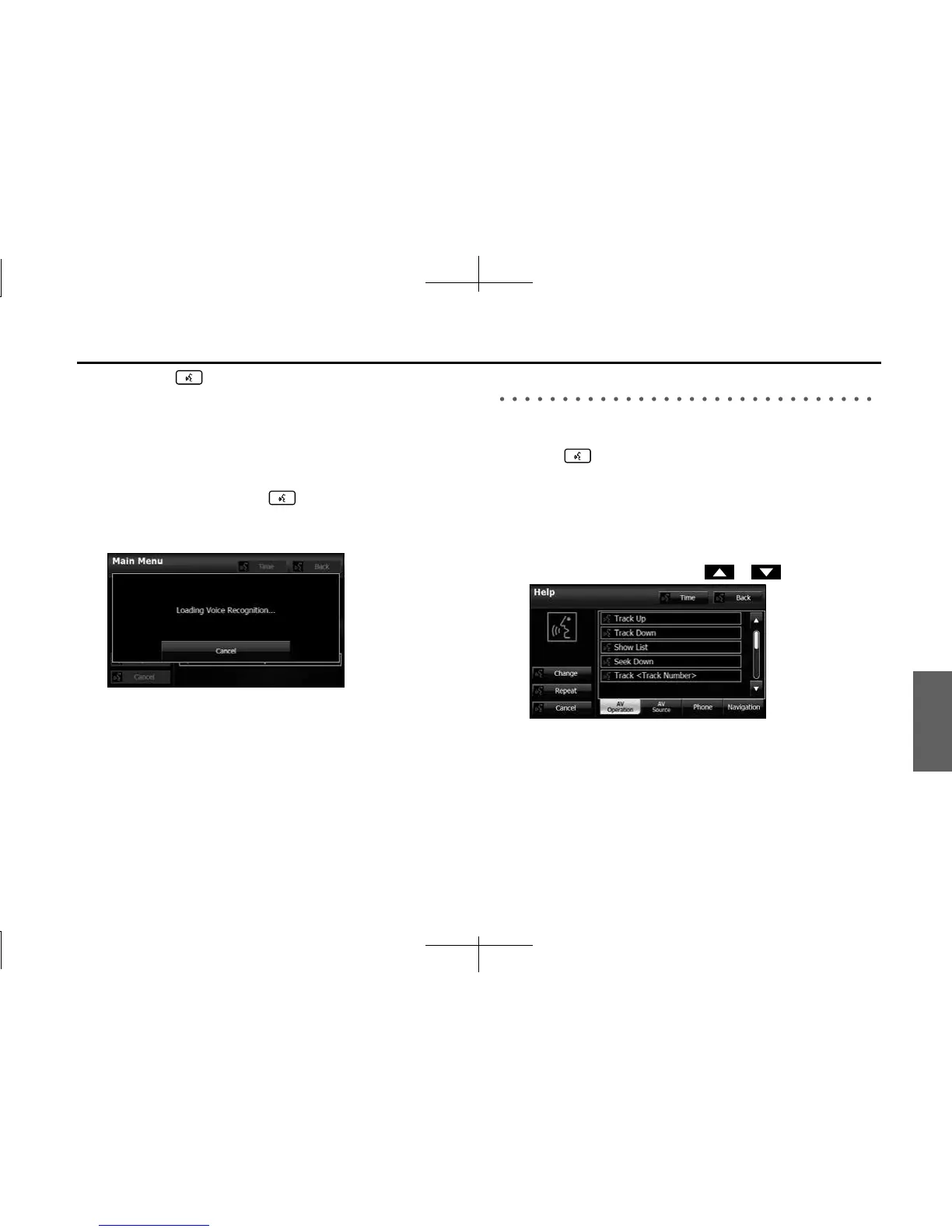
• When you say “Help” while the Main Menu is displayed, a list of
the currently usable commands appears on the screen.
NOTE
A caution display appears after pressing (Main Unit/Steering Wheel
Switch) while a Bluetooth device, USB device or iPod is connected, and the
stored data is being read. Be sure to start the operation after the caution display
disappears.
Displaying the Command List
You can display a list of the usable commands on the screen.
1 Press .
• The screen changes to the Main Menu, and after the “Voice
command please.” voice guidance, a “beep” sounds.
2 Say “Help”.
• The command list appears.
• If there are more pages, touch or to scroll the list.














 To Next Page