Navigation 149
Navigation
Changing the Method for Searching for a Route
(Other Routes, etc.)
Change the Route settings to perform a new search for the route being
navigated using a different method. (See Page 169.) You can even
search again by comparing different routes. Follow the steps below to
use the initial settings screen.
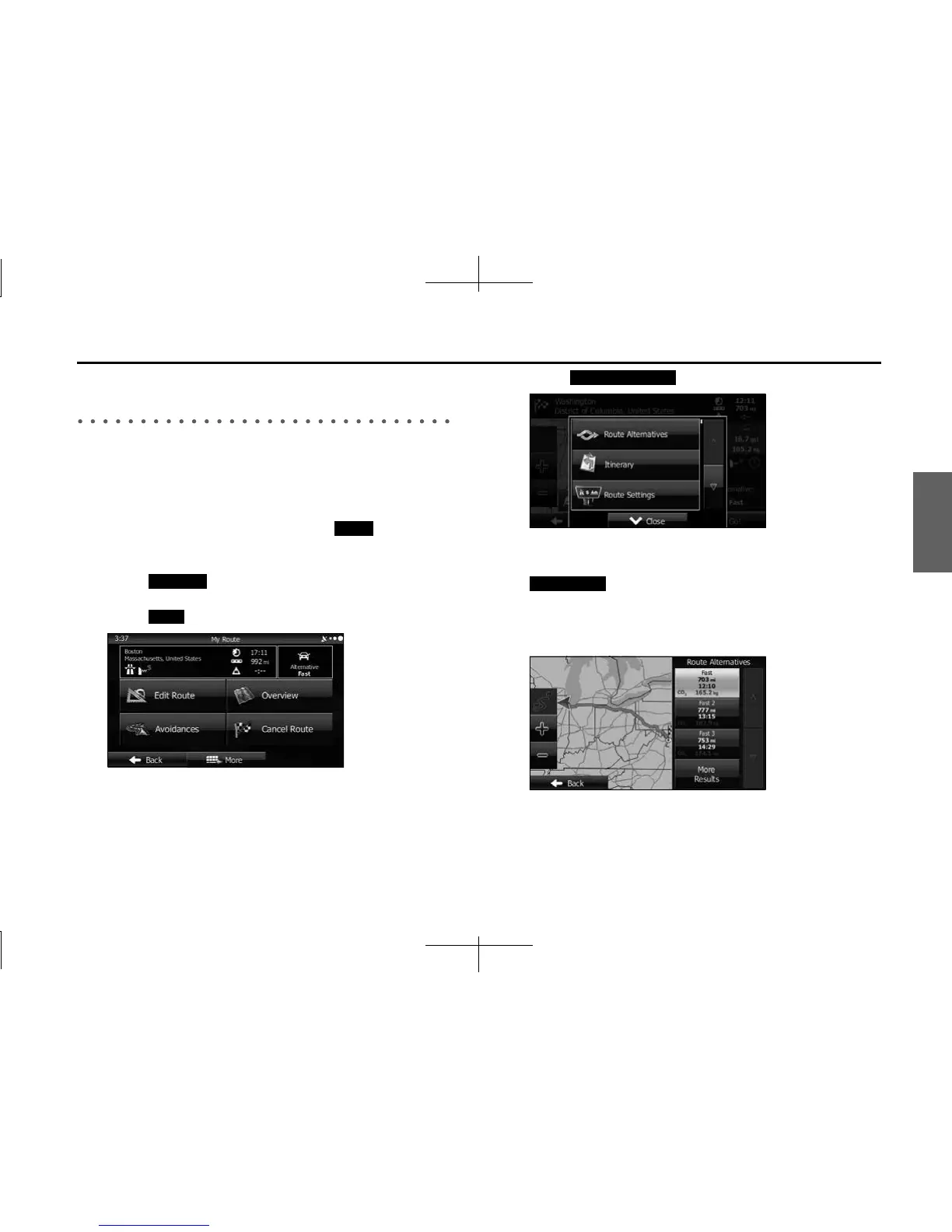
1 If the Map screen is displayed, touch (Menu) to
return to the navigation menu.
2 Touch (My Route) on the navigation menu.
3 Touch (More).
4 Touch (Route Alternatives).
5 Using the current search method, three routes are
displayed in order of recommendation. Touch
(More Results) to search using a different
method. Also, if only a short distance is being navigated
or only a few search candidates are found, each search
method displays only one route.
Menu
My Route
More
Route Alternatives
More Results














 To Next Page