Introduction 21
Before Use
Selecting a Mode
Press the following buttons to select the screens.
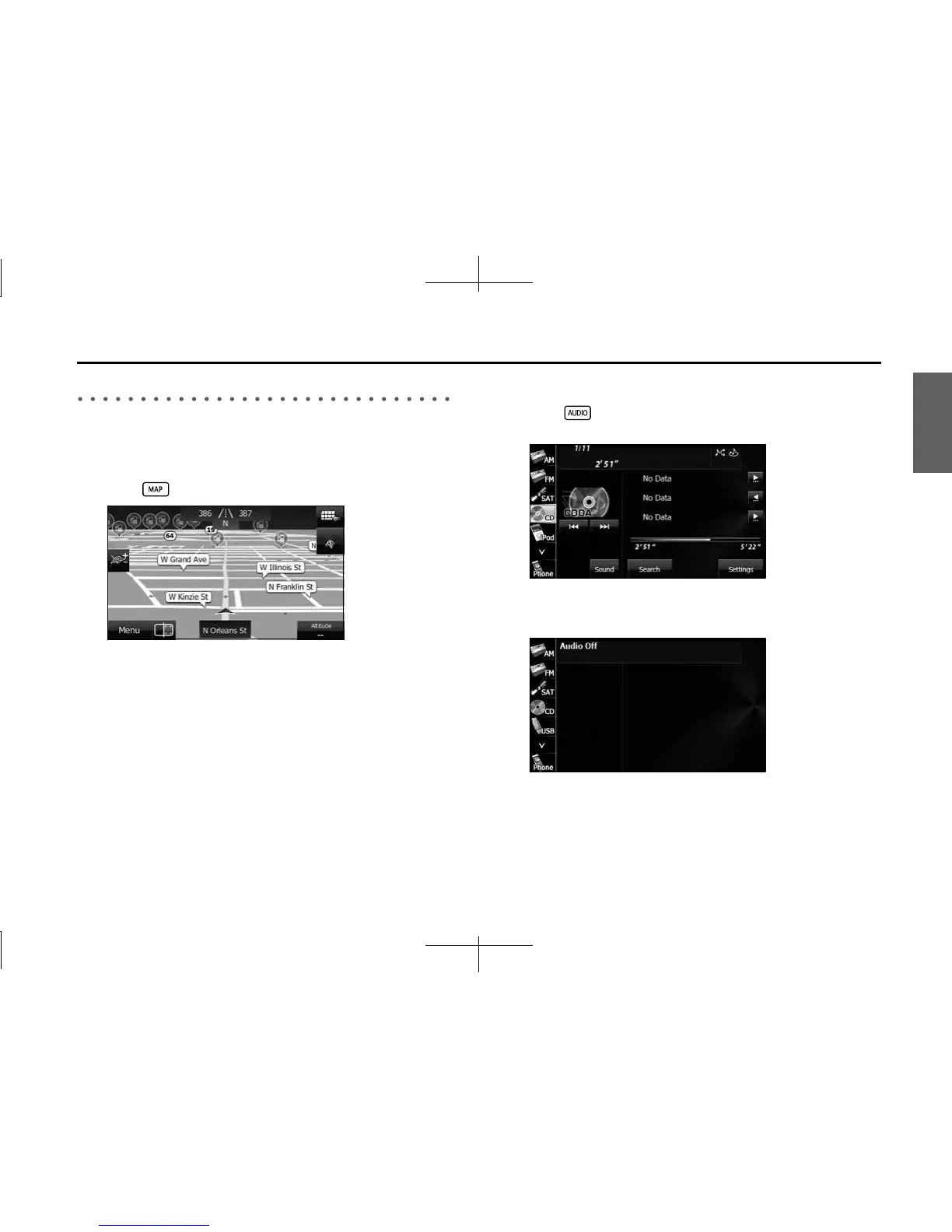
■ Navigation screen
1 Press .
■ Audio operations screen
1 Press .
<When the CD player is operating>
• Displayed while the audio function is operating. For the audio
operations, see “Switching the Audio Source” on Page 198.
<OFF screen>
• Displayed when the audio function is off.














 To Next Page