Navigation 153
Navigation
Displaying a Simulation of the Route
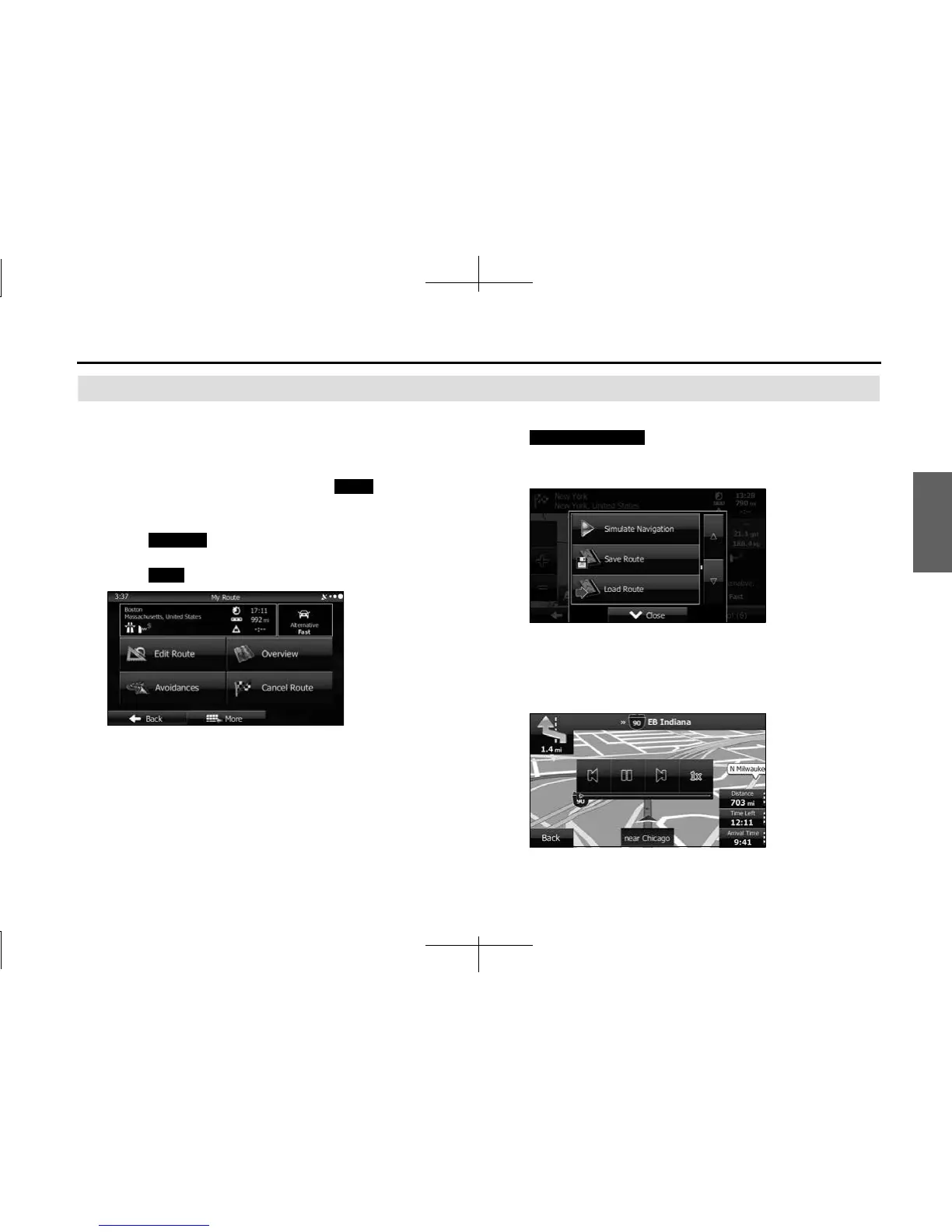
You can run a simulation of the route currently being
navigated. Follow the steps below to use the initial settings
screen.
1 If the Map screen is displayed, touch (Menu) to
return to the navigation menu.
2 Touch (My Route) on the navigation menu.
3 Touch (More).
4 Scroll down through the list, and then touch
(Simulate Navigation). The simulation
begins from the start point and works through the entire
route at the recommended speed.
5 (Optional) You can use the following buttons during the
simulation (although the control buttons disappear after
a few seconds, you can touch the map to show them
again).
Menu
My Route
More
Simulate Navigation














 To Next Page