Navigation 145
Navigation
Setting a New Starting Point for the Route
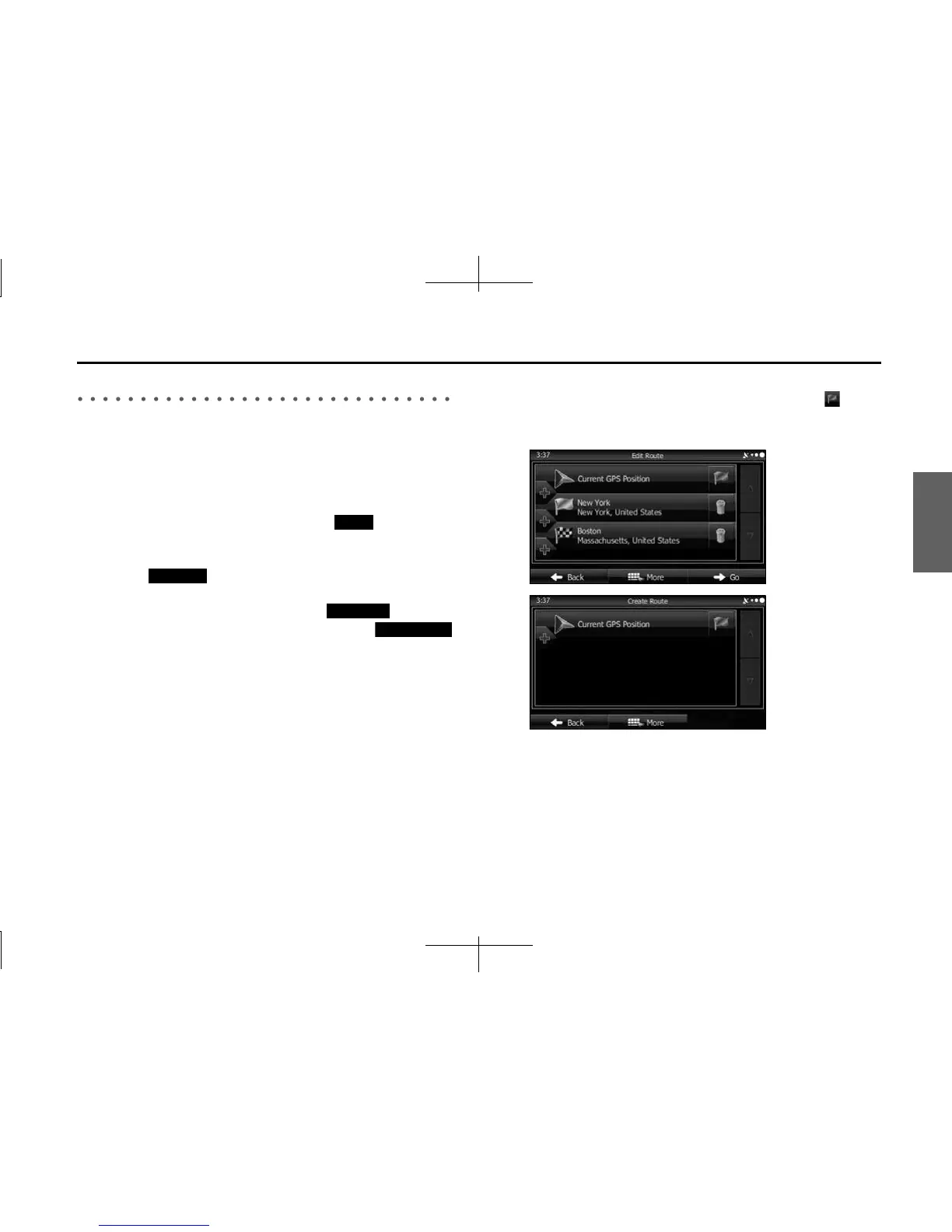
In standard navigation, all routes are created from the current position.
You can turn off the GPS so that you can study a route that is not
currently being driven, run a simulation, and check the time or distance
for the route. This way, you can set a start point for the route without
using the current GPS position.
1 If the Map screen is displayed, touch (Menu) to
return to the navigation menu.
2 Touch (My Route) on the navigation menu.
3 If a route is already available, touch (Edit
Route). If a route has already started, touch
(Create Route).
4 The first row shows the start position (displays the
current position) for the route. When you touch , if a
warning message is displayed, select which operation to
perform.
Menu
My Route
Edit Route
Create Route














 To Next Page