146 Navigation
Navigation
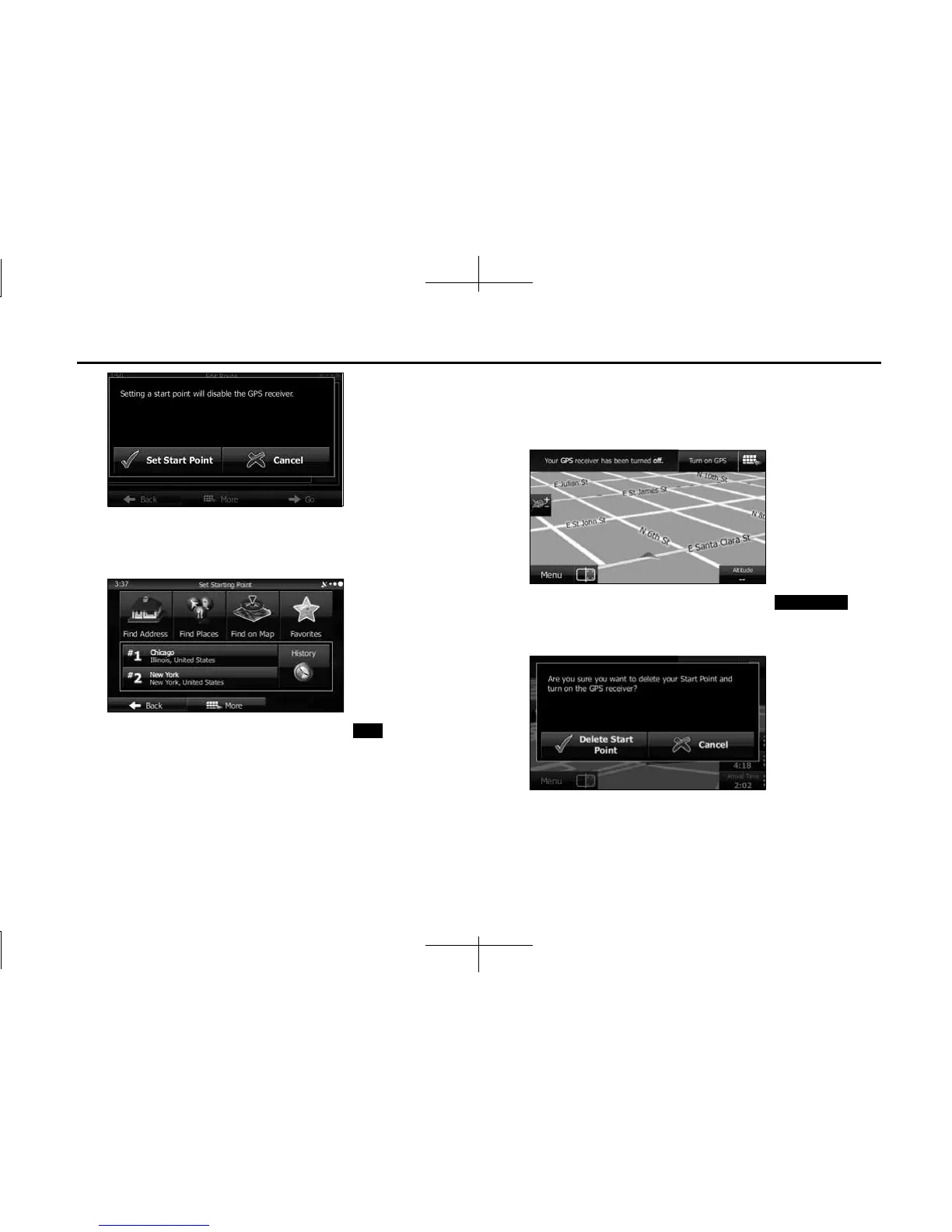
5 When the destination menu is displayed, select the
route's start point by using the same method as
selecting the destination.
6 Set the new start point, and then touch (Go!).
7 The vehicle marker goes clear on the map, indicating
that there is no GPS reception. If a route is already being
navigated, it is recalculated using the position selected
at that time.
8
To return to standard navigation, touch
(Turn on GPS), and if a warning message is displayed,
select which operation to perform.
Go!
Turn on GPS














 To Next Page