Introduction 15
Before Use
■ Turning off the audio
• Press (POWER/VOL).
NOTE
• When the audio power is turned off, on the Source screen, touch the source
to which you want to change. For details, see “Switching the Audio Source” on
Page 198.
• You cannot turn off the navigation power.
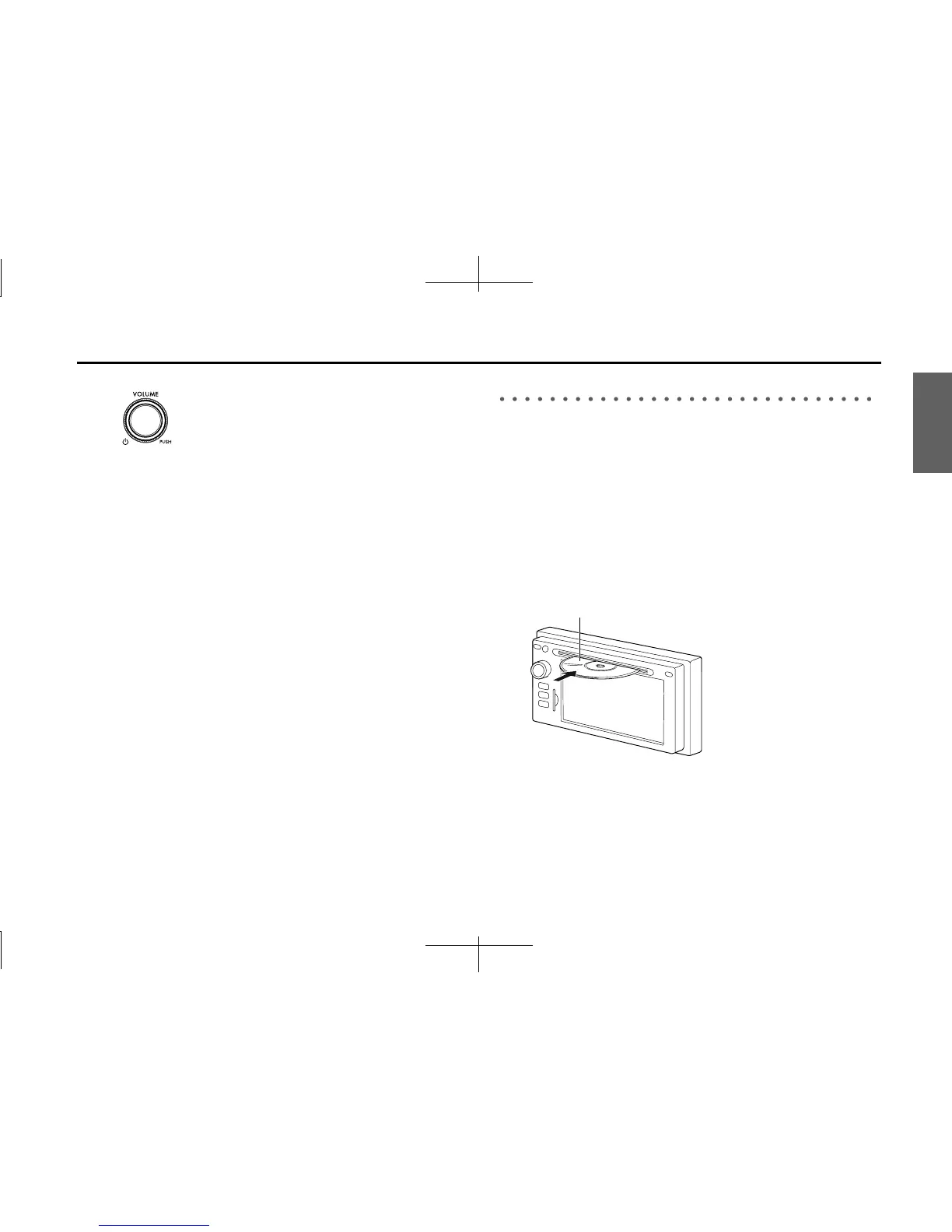
Loading and Unloading a Disc
To listen to music, insert a music CD into the slot.
■ Loading a disc
1 Insert a disc into the slot.
• Hold the disc by the center hole and the edges, and insert it
with the label facing upward.
• When the disc is inserted, playback of the music CD or MP3/
WMA starts.
• For disc details, see “About Discs” on Page 194.
Disc














 To Next Page