140 Navigation
Navigation
Creating a Route from the Destination List
(Route Creator)
You can create a route for each destination in the saved routes menu.
1 If the Map screen is displayed, touch (Menu) to
return to the navigation menu.
2 Touch (My Route) on the navigation menu.
3 Touch (Create Route).
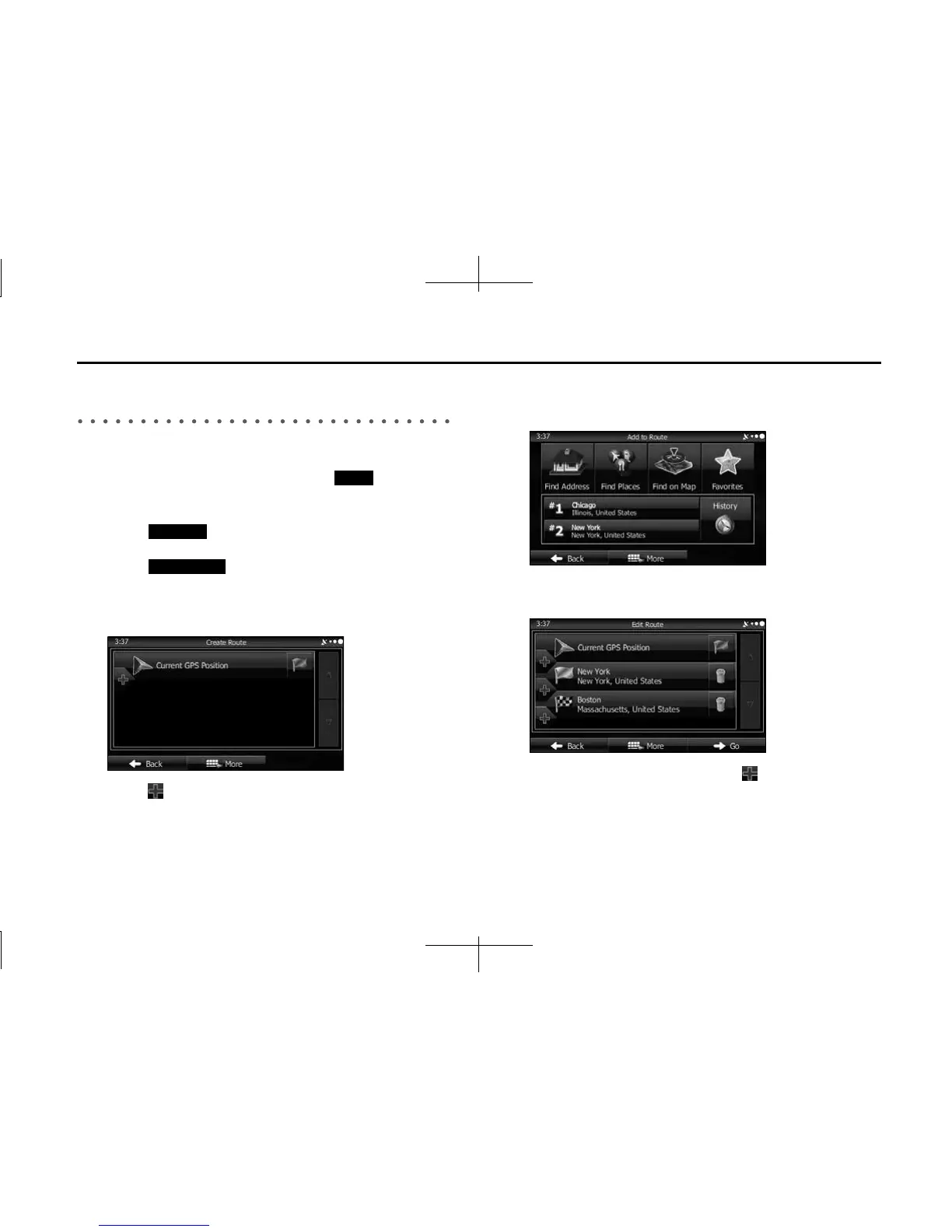
4 Only one row showing the route's start point (current
position displayed) is displayed in the route point list.
5 Touch to select a destination.
6 When the destination menu is displayed, select the
route's destination using the same method as described
previously.
7 After selecting a new destination, you are returned to the
list.
8 To add another destination, touch at the point where
you want to add a new route point to the list, and repeat
the steps above.
Menu
My Route
Create Route














 To Next Page