Audio and Visual 243
Audio Operations
• Touch to return to the previous screen.
NOTE
When the file repeat or folder repeat function is selected, or is
displayed in the top right of the screen as confirmation that the function is on.
■ Playing randomly
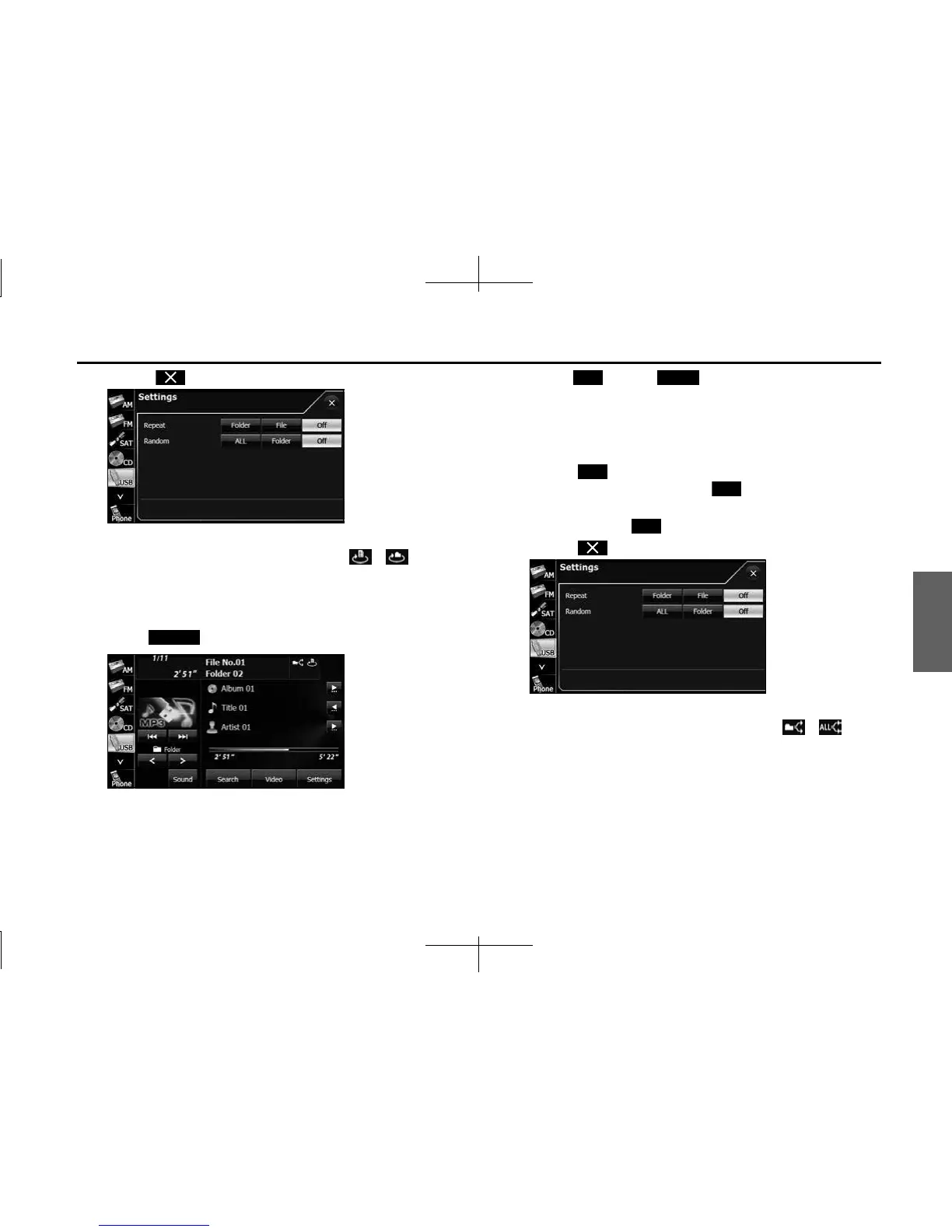
1 Touch (Settings).
2 Touch (ALL) or (Folder) in Random.
• Folder random playback:
The files in the currently playing folder are played randomly.
All random playback:
The files in all folders are played randomly.
• Touch (File) in Repeat during random playback to repeat
the currently playing file. Touch (Off ) in Repeat to return
to random playback.
• To cancel, touch (Off ) in Random.
• Touch to return to the previous screen.
NOTE
When the folder random or all random function is selected, or is
displayed in the top right of the screen as confirmation that the function is on.
Settings
ALL Folder
File
O
O














 To Next Page