128 Navigation
Navigation
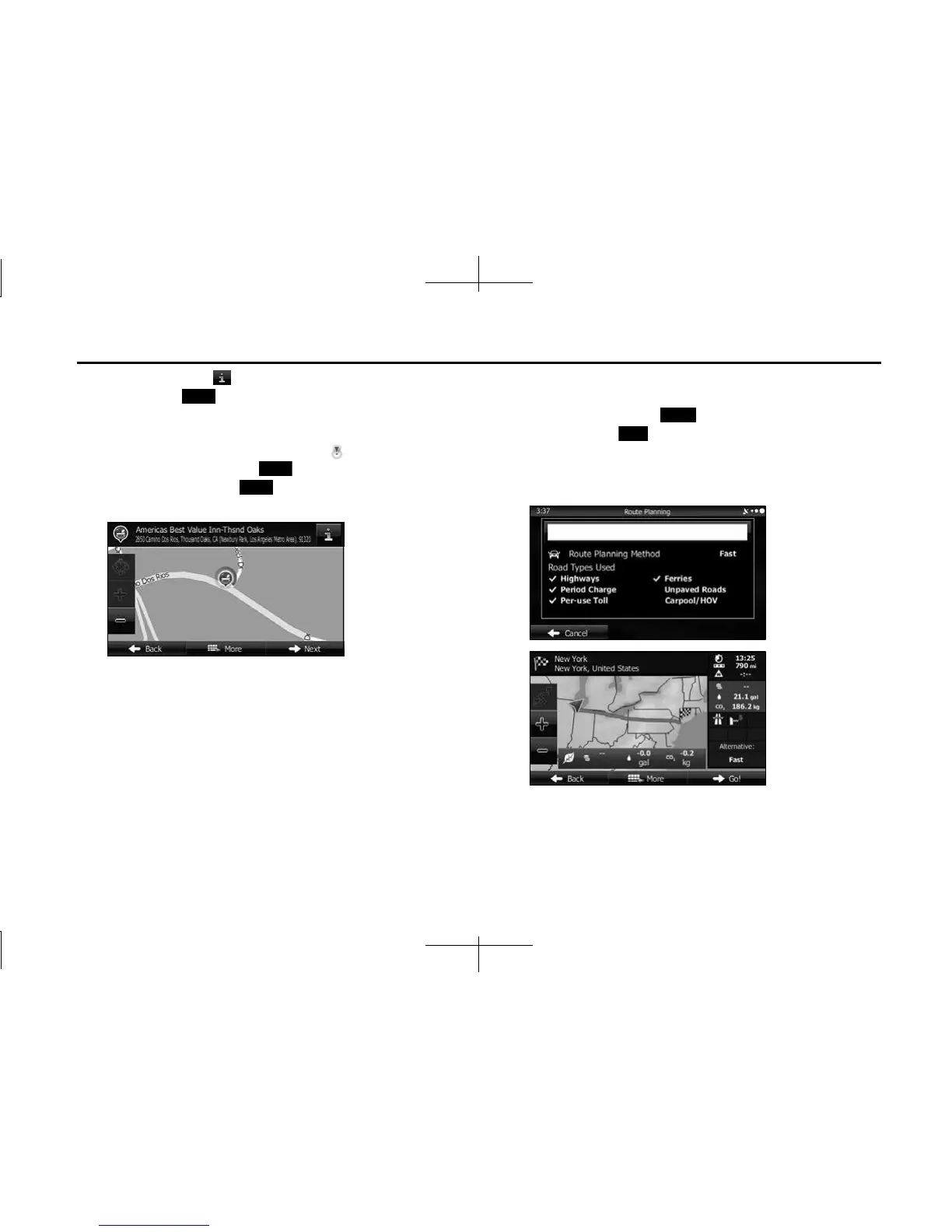
12 (Optional) Touch to display details about the selected
spot. Touch (Back) to return to the map.
13 If necessary, you can touch another point on the map to
change the destination. The cursor ( ) is displayed at
the new position. Touch (Next) to set the
destination, or touch (Back) to select another
destination.
14 After a summary of the route plan is displayed, the entire
route is displayed on the map. The route is researched
automatically. Touch (More) to change the route
plan, or touch (Go!) to start navigation. (When the
countdown is displayed in the “Go!” button, guidance
begins automatically after 10 seconds even if you do not
touch the button.)
Back
Next
Back
More
Go!














 To Next Page