130 Navigation
Navigation
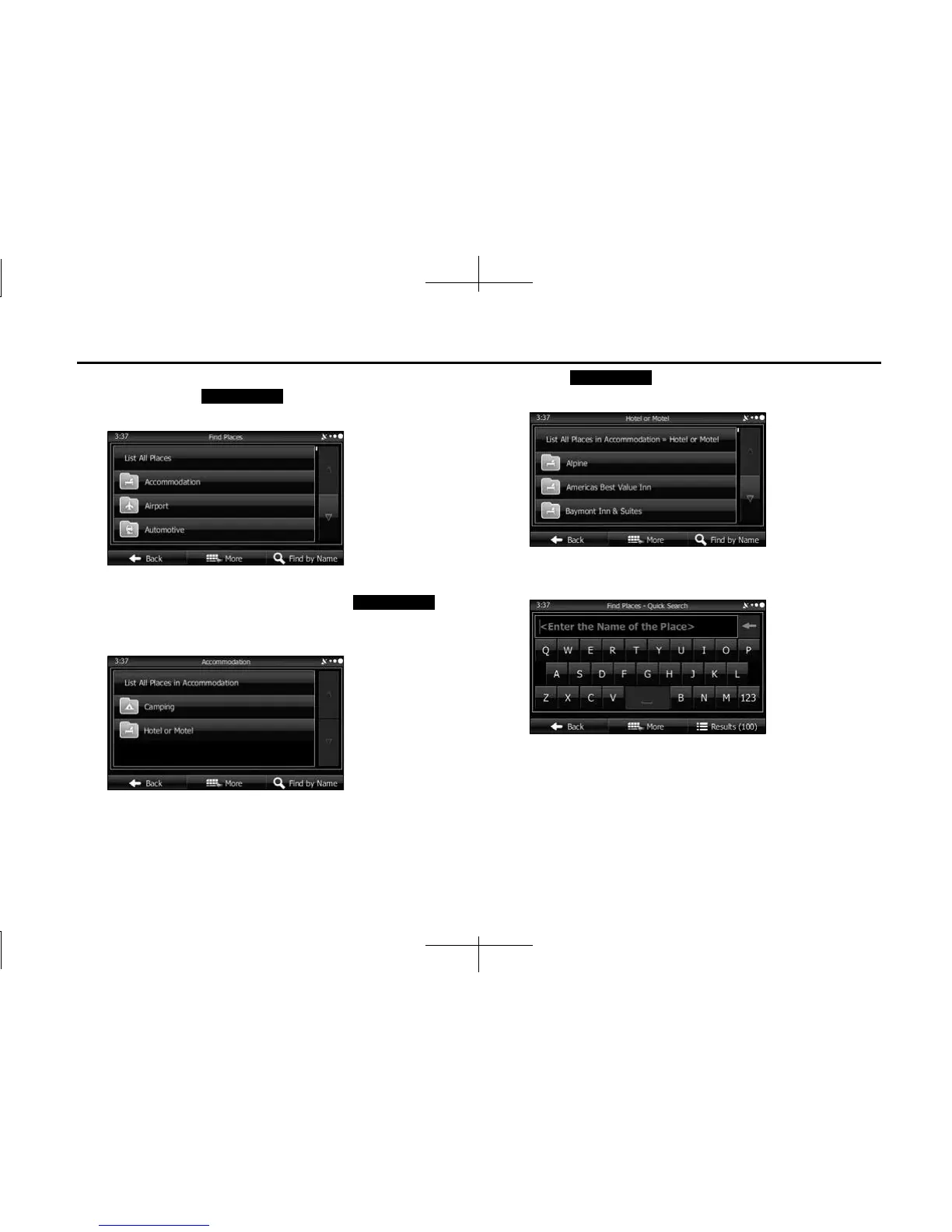
6 By selecting a main category (such as accommodations),
or by touching (Find by Name), you can
search all spots.
7 By selecting a sub-category (such as hotels or motels)
from the main category, or by touching
(Find by Name), you can search in the main category you
selected.
8 Touch (Find by Name) to search a sub-
category of the selected spot.
9 Use the keyboard to enter the start of the spot name.
• For the keyboard, see “Using the Keyboard” on Page 88.
Find by Name
Find by Name
Find by Name














 To Next Page