212 Audio and Visual
Audio Operations
NOTE
• You can select a station in a one-touch operation simply by touching a preset
button ([1] to [6]). The frequency of the selected station is displayed.
• When the new stations are set in the memory, the stations that were
previously set are deleted.
• If the number of receivable stations is less then six, the remaining buttons are
become blank.
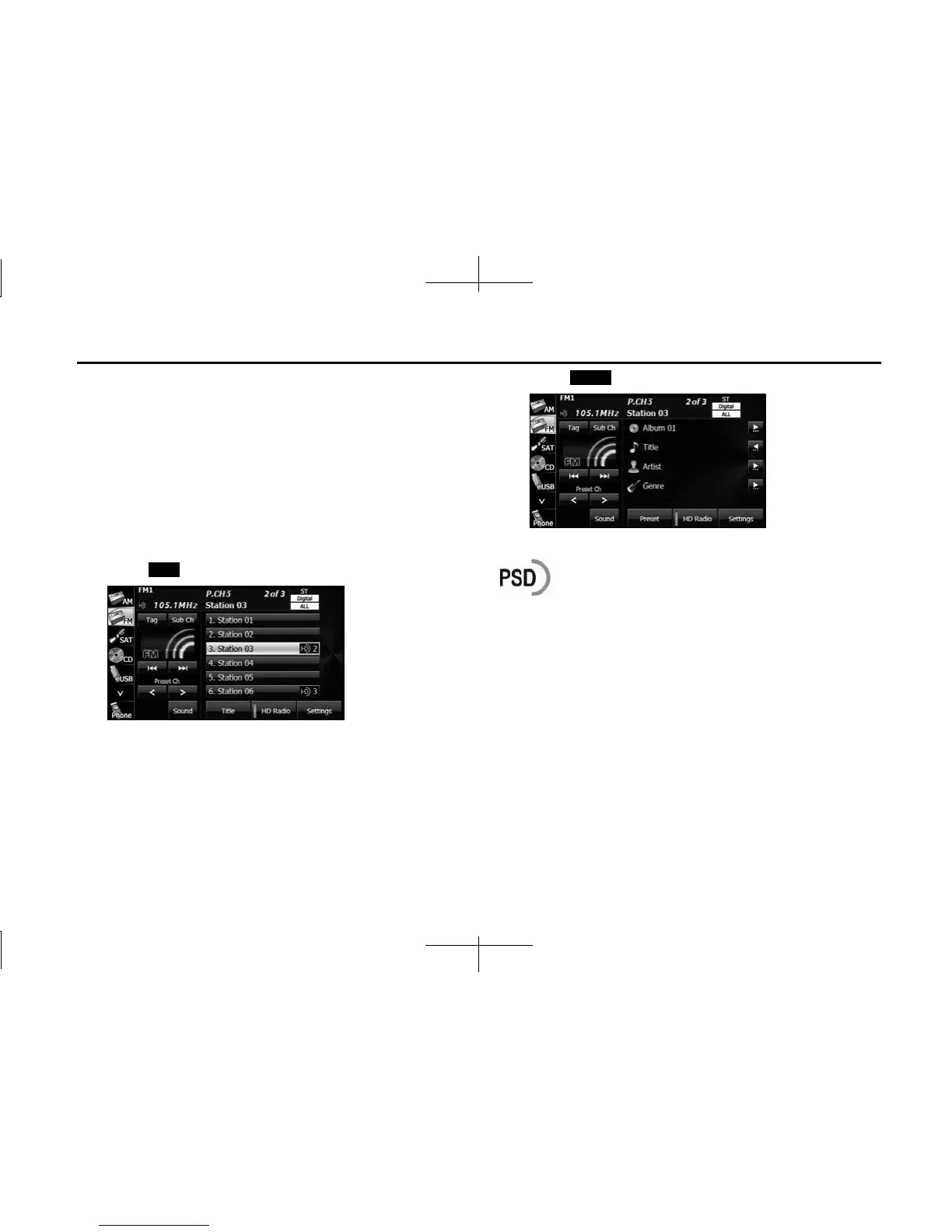
■ Displaying title information
In FM radio mode only, you can display a song's album name, track
name, artist name and genre name during a broadcast.
1 Touch ( Title).
2 Touch (Preset) to return to the previous screen.
NOTE
Program Service Data: Presents song name, artist, station IDs, and other relevant
data streams.
Title
Preset














 To Next Page