220 Audio and Visual
Audio Operations
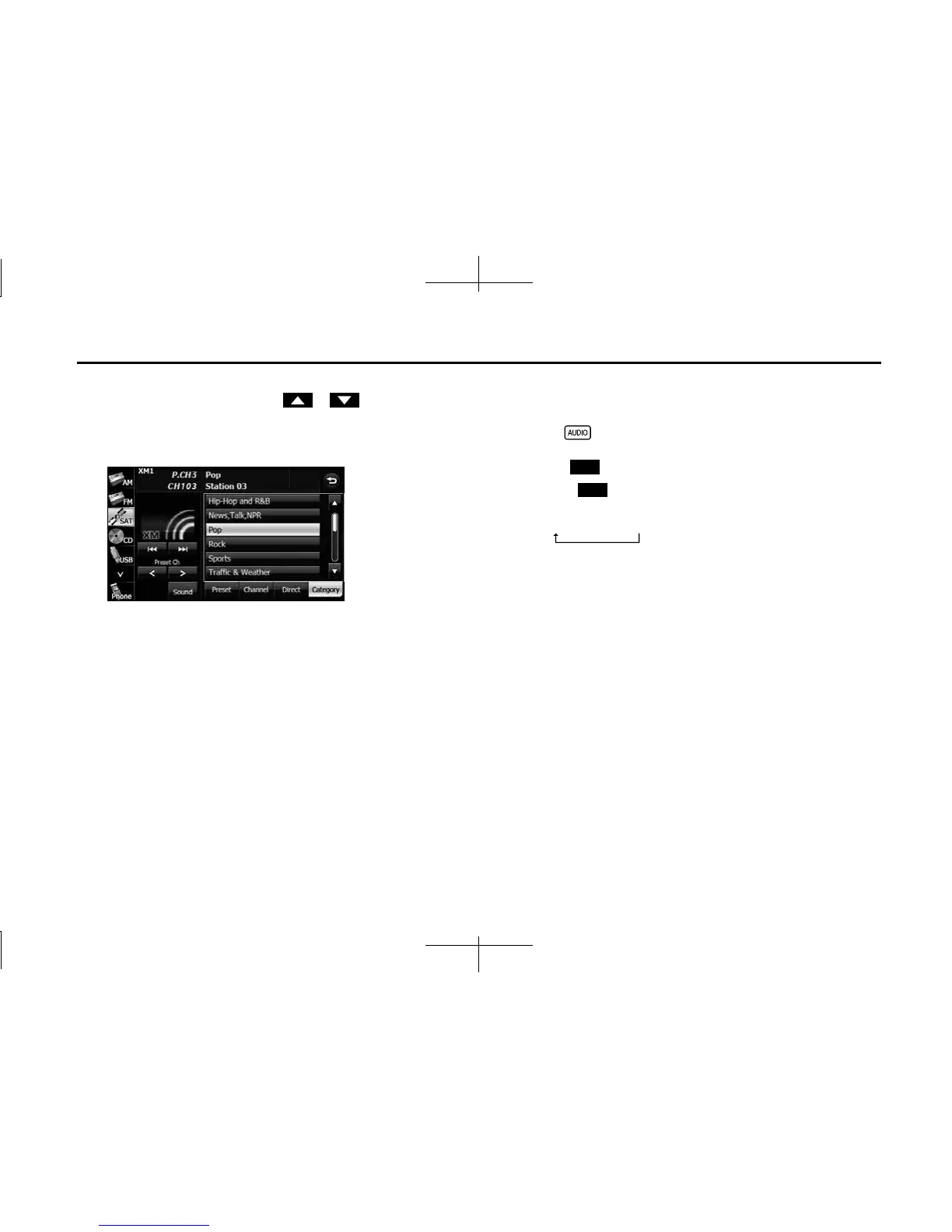
3 Touch the category to which you want to listen.
• If there are more pages, touch or to scroll the
pages.
• When selecting an item being Parental Locked in the category,
the screen for code input is displayed.
NOTE
A reception possible broadcasting station is received.
■ Changing the SAT band
You can change the reception band of the SAT radio.
1 Press .
2 Touch (SAT).
• Touch (SAT) to change the reception band in the
following order.
• The band currently being received is displayed at the top left of
the screen.
SAT
SAT
XM1
XM2
XM3














 To Next Page