228 Audio and Visual
Audio Operations
■ Repeating the same track
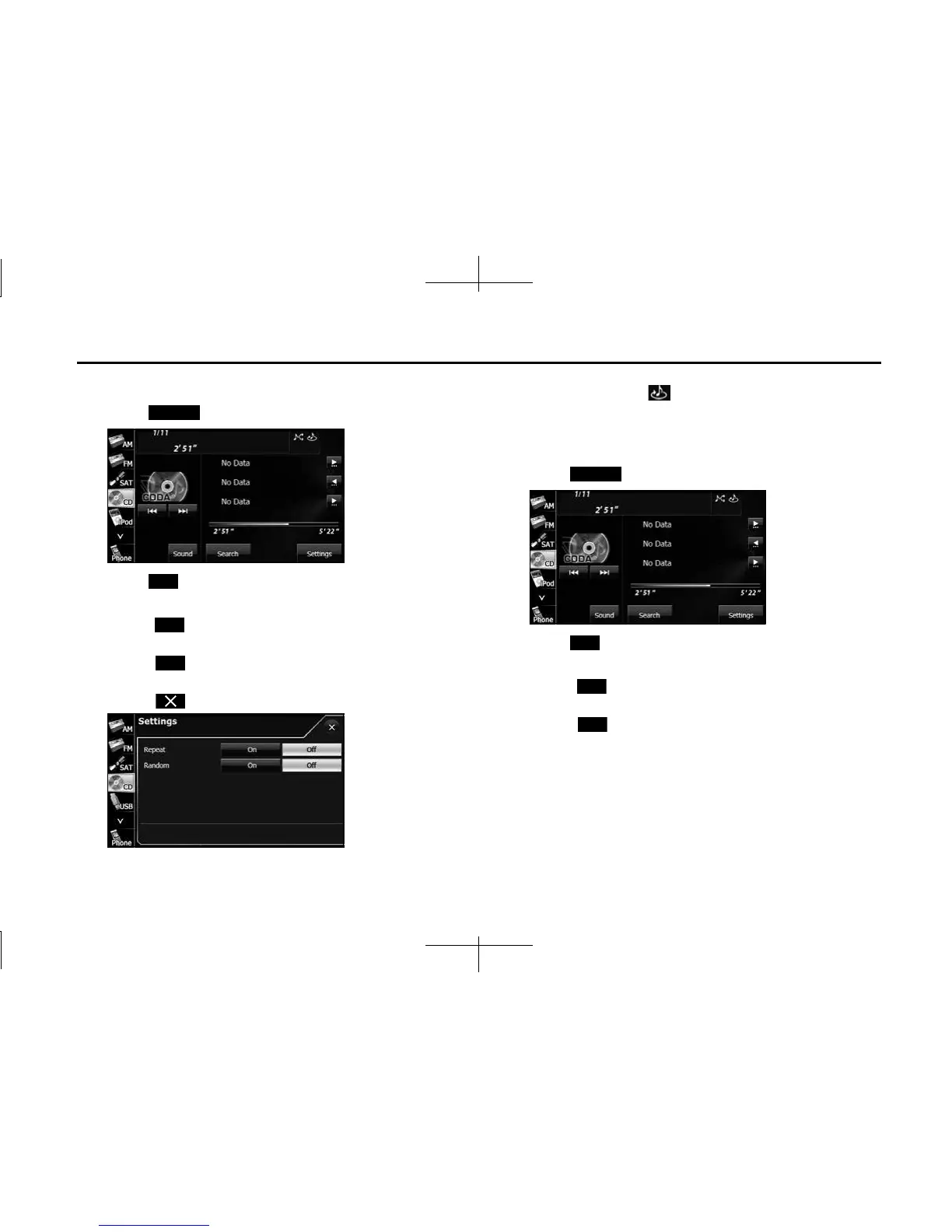
1 Touch (Settings).
2 Touch (On) in Repeat.
• Repeat playback is set for the currently playing track.
• When (On) in Repeat is touched, the repeat playback of
the track continues until the function is canceled.
• Touch (Off ) in Repeat to cancel the repeat playback of the
track.
• Touch to return to the previous screen.
NOTE
When On is selected in Repeat, is displayed in the top right of the screen as
confirmation that the function is on.
■ Playing tracks randomly
1 Touch (Settings).
2
Touch (On) in Random.
• All tracks from the currently playing CD are played randomly.
• When (On) in Random is touched, the random playback
of the tracks continues until the function is canceled.
• Touch (Off ) in Random to cancel the random playback of
the tracks.
Settings
On
On
O
Settings
On
On
O














 To Next Page