Audio and Visual 231
Audio Operations
NOTE
• Playback may be intermittent when there is a scratch on the CD or when the
recorded side is dirty.
• For CD-ROMs, a function is available for selecting the folder and file.
• If a non-MP3/WMA file has the “.mp3” or “.wma” file extension, it may be
recognized erroneously as an MP3 or WMA file. When such a file is played, a
loud noise may be output and damage the speakers. Take care not to assign
the “.mp3” or “.wma” extension to non- MP3/WMA files.
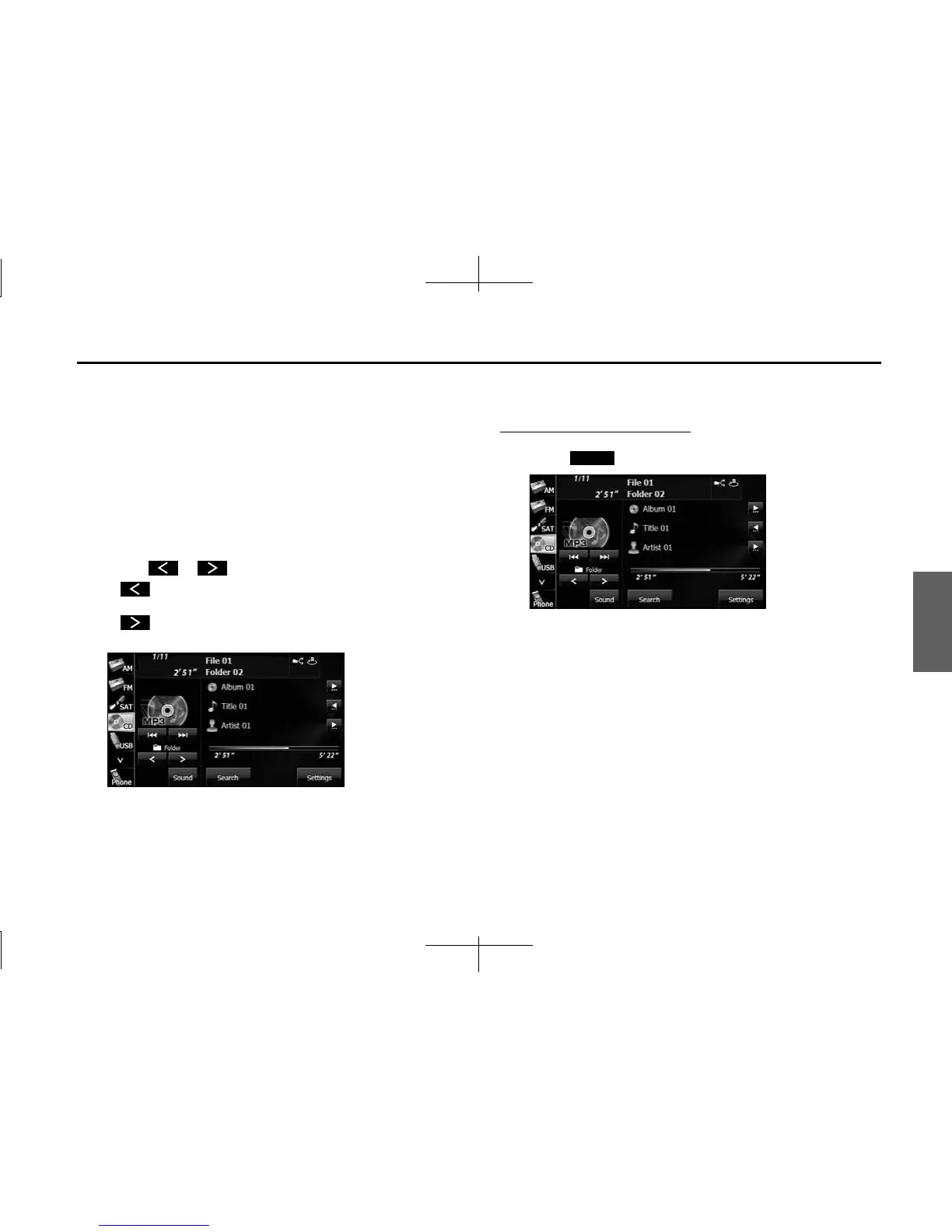
■ Selecting a folder
You can select the folder that you want to use from the disc.
1 Touch or .
•:
Return to the previous folder and play the first file in the folder.
:
Advance to the next folder and play the first file in the folder.
■ Selecting a music file
You can select the file that you want to play from a folder.
Selecting with a file name button
1 Touch (Search).
Search














 To Next Page