Audio and Visual 241
Audio Operations
NOTE
When a USB memory device is connected, the unit may take some time to scan
and read the file tag information. To shorten this scan time, try to store only MP3/
WMA files in the USB memory and minimize the number of folders.
■ Selecting a folder
You can select the folder that you want to use from the USB memory.
1 Touch or .
•:
Return to the previous folder and play the first file in the folder.
:
Advance to the next folder and play the first file in the folder.
NOTE
If no MP3/WMA files exist in the folder, “No Data” appears in the section where
the file name and folder name are displayed.
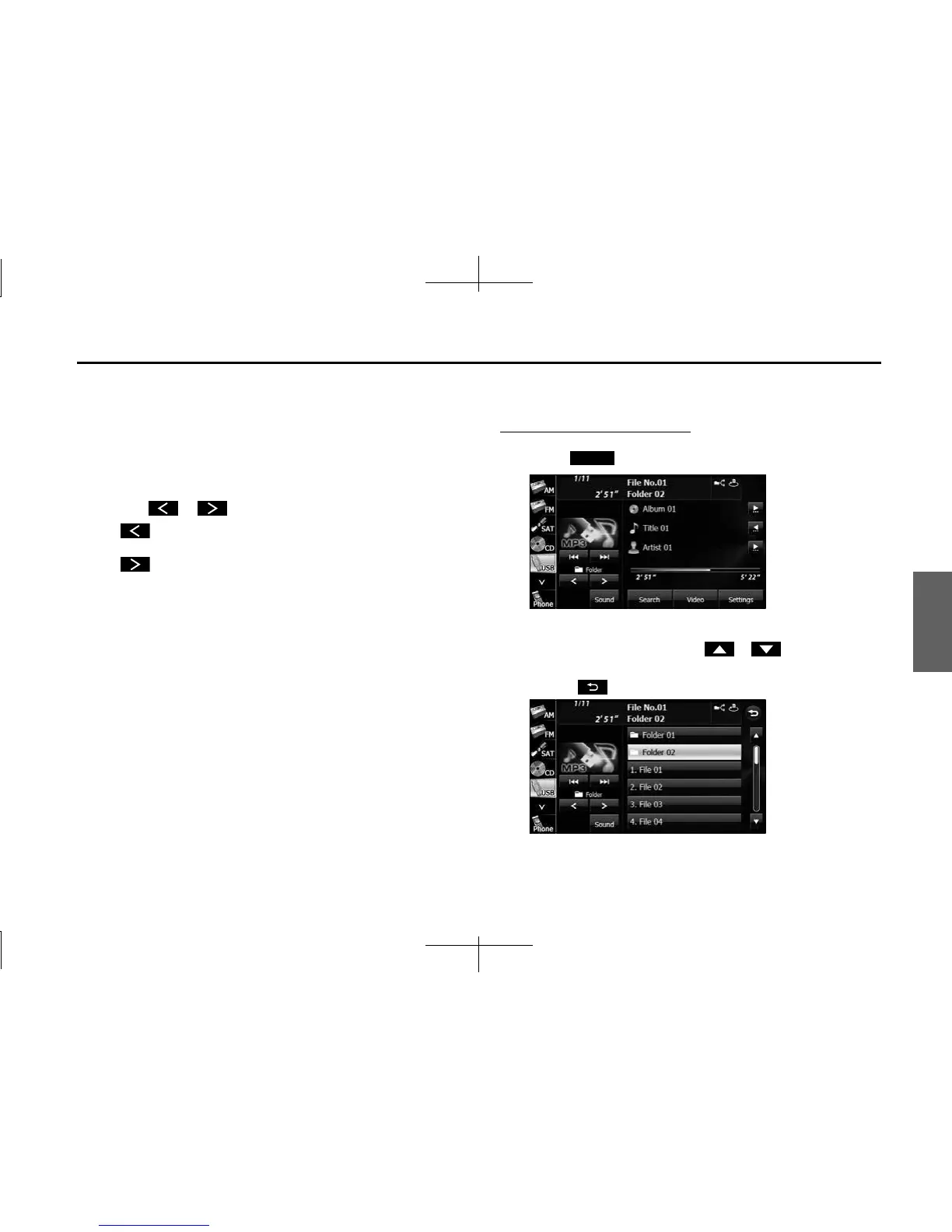
■ Selecting a music file
You can select the file that you want to play from a folder.
Selecting with a file name button
1 Touch (Search).
2
Touch the folder that you want to use.
• If there are more pages, touch or to scroll the
pages.
• Touch to return to the previous screen.
Search














 To Next Page