Audio and Visual 251
Visual Operations
Selecting consecutive files
1 Touch or .
•:
Advance to the next file.
(Press once):
Return to the start of the currently playing file.
(Press twice or more):
Return to the previous file.
■ Fast forwarding and fast reversing
You can fast forward or fast reverse the currently playing video.
1 Touch or for 1 second or more.
•:
Fast forward the video.
:
Fast reverse the video.
Fast forward (or fast reverse) operates until you release your
finger from the button.
■ Pausing a video
1 Touch .
• During pause, touch to restart playback.
■ Stopping a video
1 Touch .
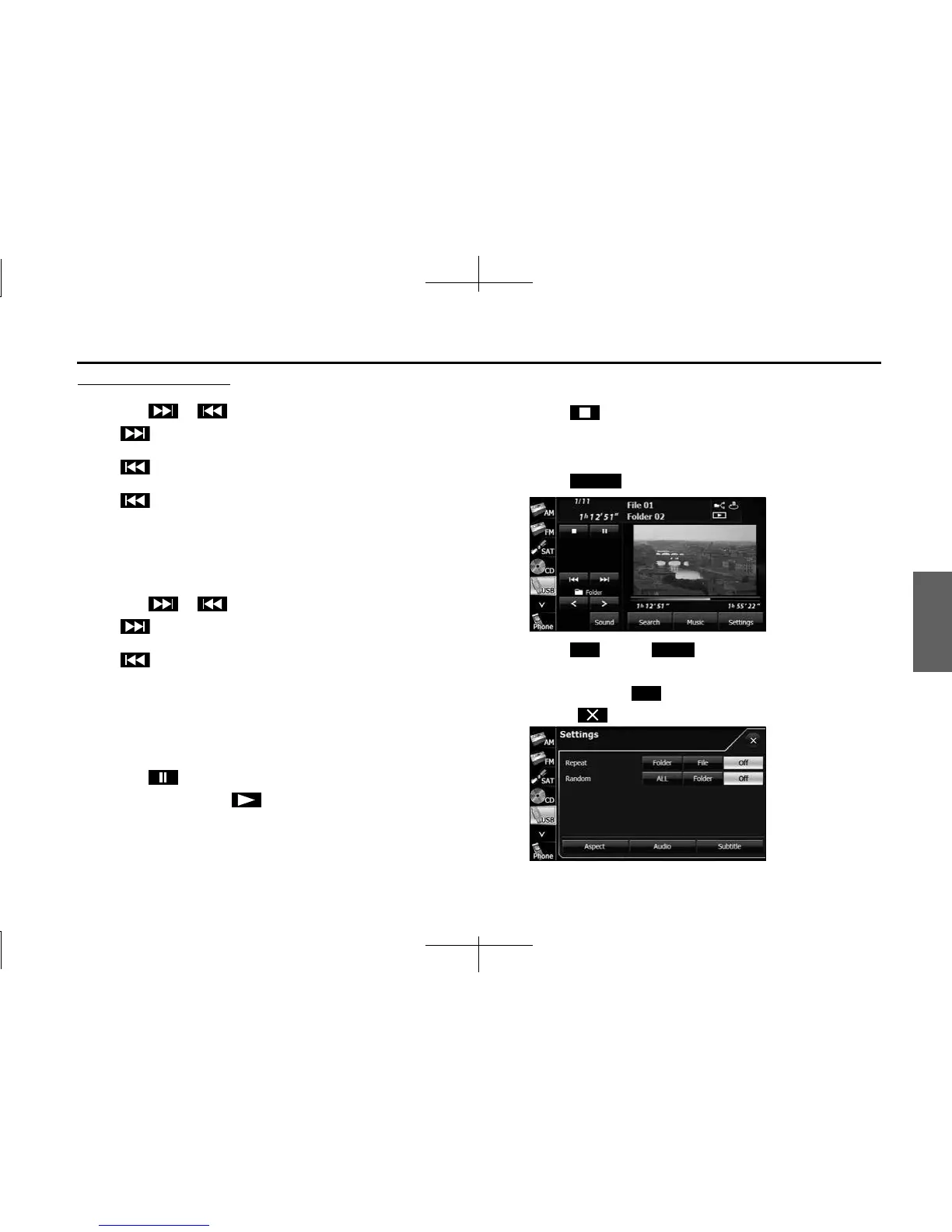
■ Repeating the video file
1
Touch (Settings).
2 Touch (File) or (Folder) in Repeat.
• Repeat playback is set for the currently playing file or folder.
• To cancel, touch (Off ) in Repeat.
• Touch to return to the previous screen.
Settings
File Folder
O














 To Next Page