Audio and Visual 253
Visual Operations
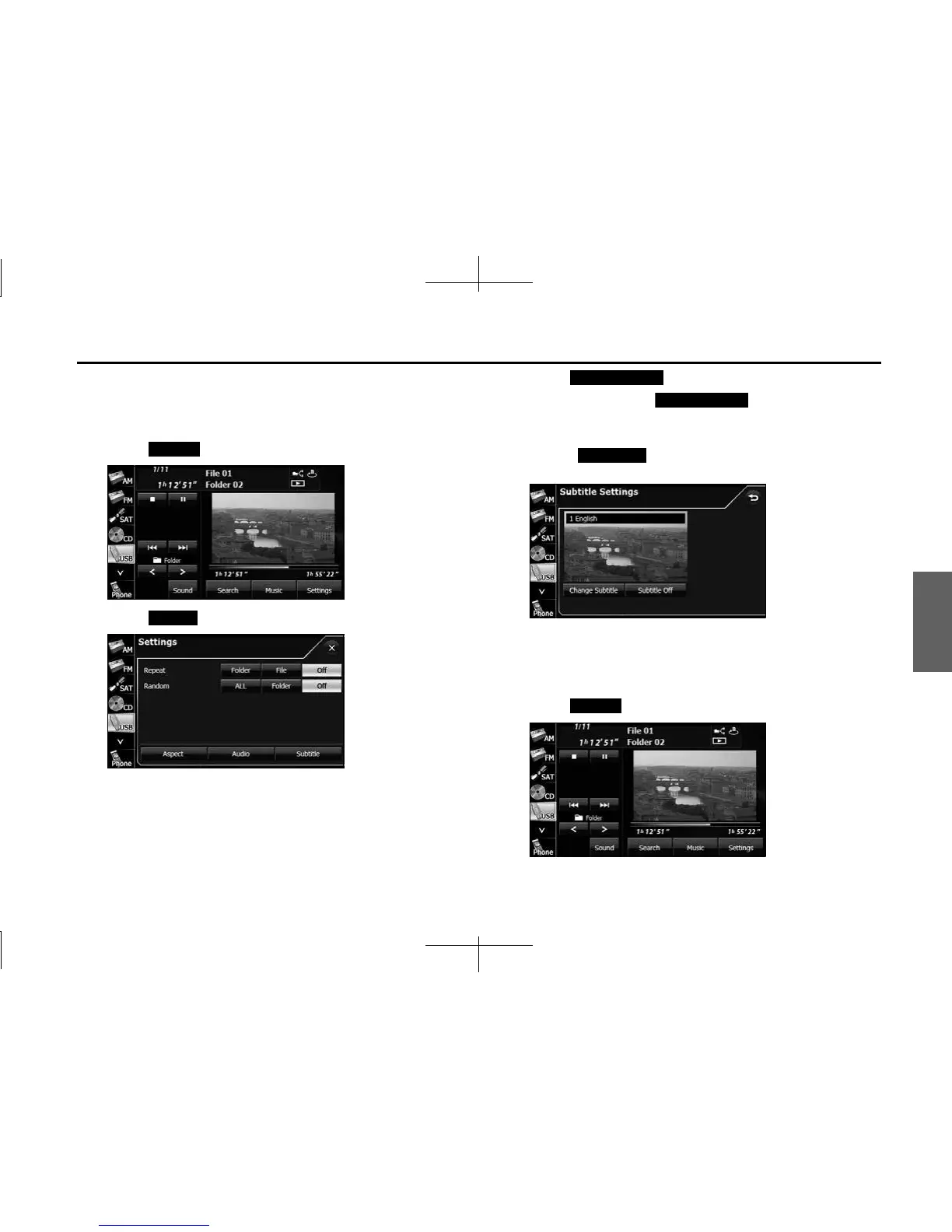
■ Changing the subtitle language
If the video file stores multiple subtitle languages, you can change the
subtitle language that is used.
1 Touch (Settings).
2
Touch (Subtitle).
3 Touch (Change Subtitle).
• Each time you touch (Change Subtitle), the
subtitle number changes, and the subtitle languages recorded
on the video file change in sequence.
• Touch (Subtitle Off ) to play without displaying
subtitles on the screen.
■ Changing the audio language
If the video file stores multiple audio languages, you can change the
audio language that is used.
1 Touch (Settings).
Settings
Subtitle
Change Subtitle
Change Subtitle
Subtitle O
Settings














 To Next Page