Introduction 27
Before Use
■ Opening screen setting
You can change the Opening screen to display the image of your
choice. You can also display image data imported from an SD memory
card as the Opening screen.
Changing the Opening screen
You can change the Opening screen of the unit (the screen that is
displayed when the power is turned on).
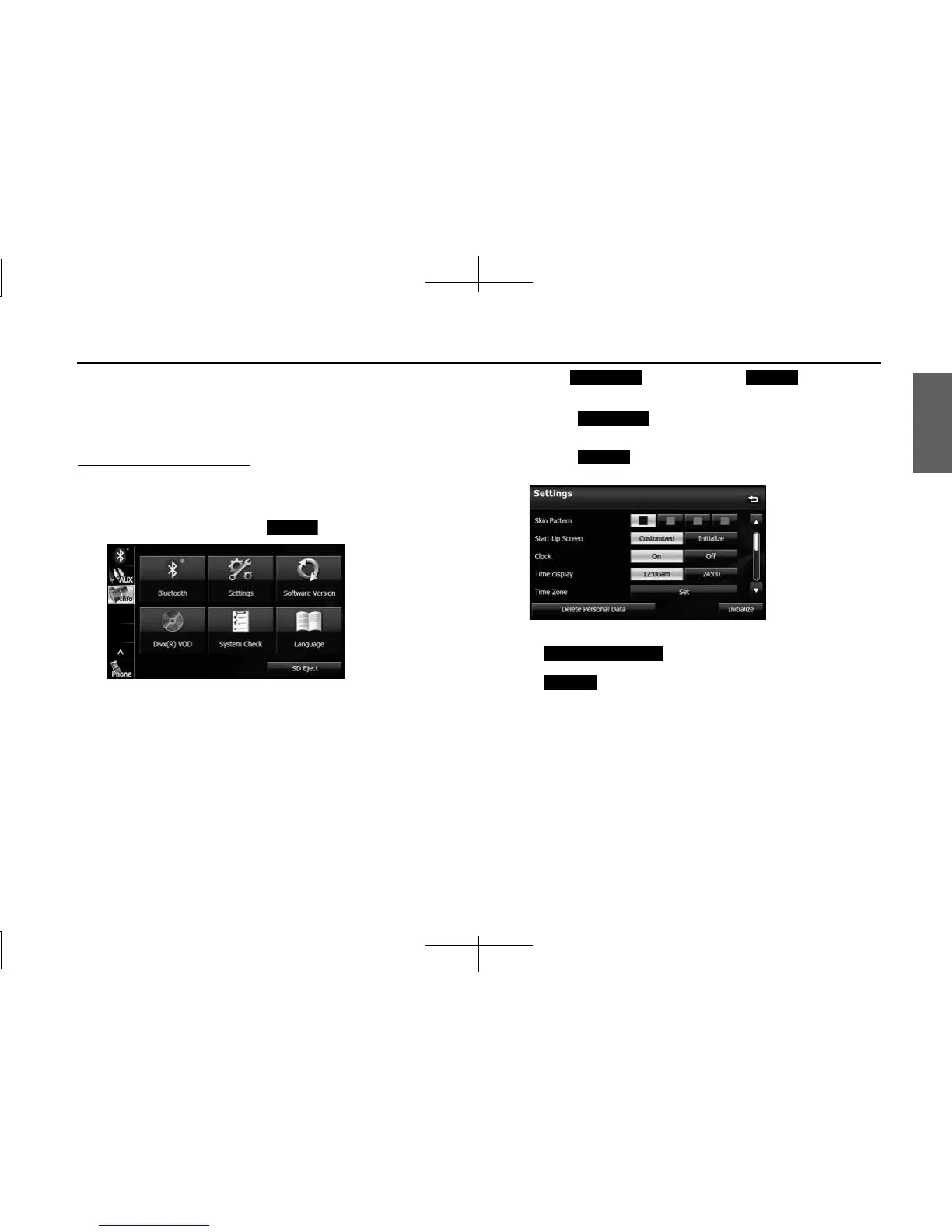
1 On the Info screen, touch (Settings).
2 Touch (Customized) or (Initialize) in
Start Up Screen.
• Touch (Customized) to change to the Opening
screen that was set with the picture function. (See Page 282.)
• Touch (Initialize) to return Start Up Screen to its initial
value.
NOTE
• Touch (Delete Personal Data) to Initialize your
personal data and all settings. (See Page 34.)
• Touch (Initialize) to return the settings in the Settings screen to
their initial values.
Settings
Customized Initialize
Customized
Initialize
Delete Personal Data
Initialize














 To Next Page