50 Introduction
Before Use
4 Touch .
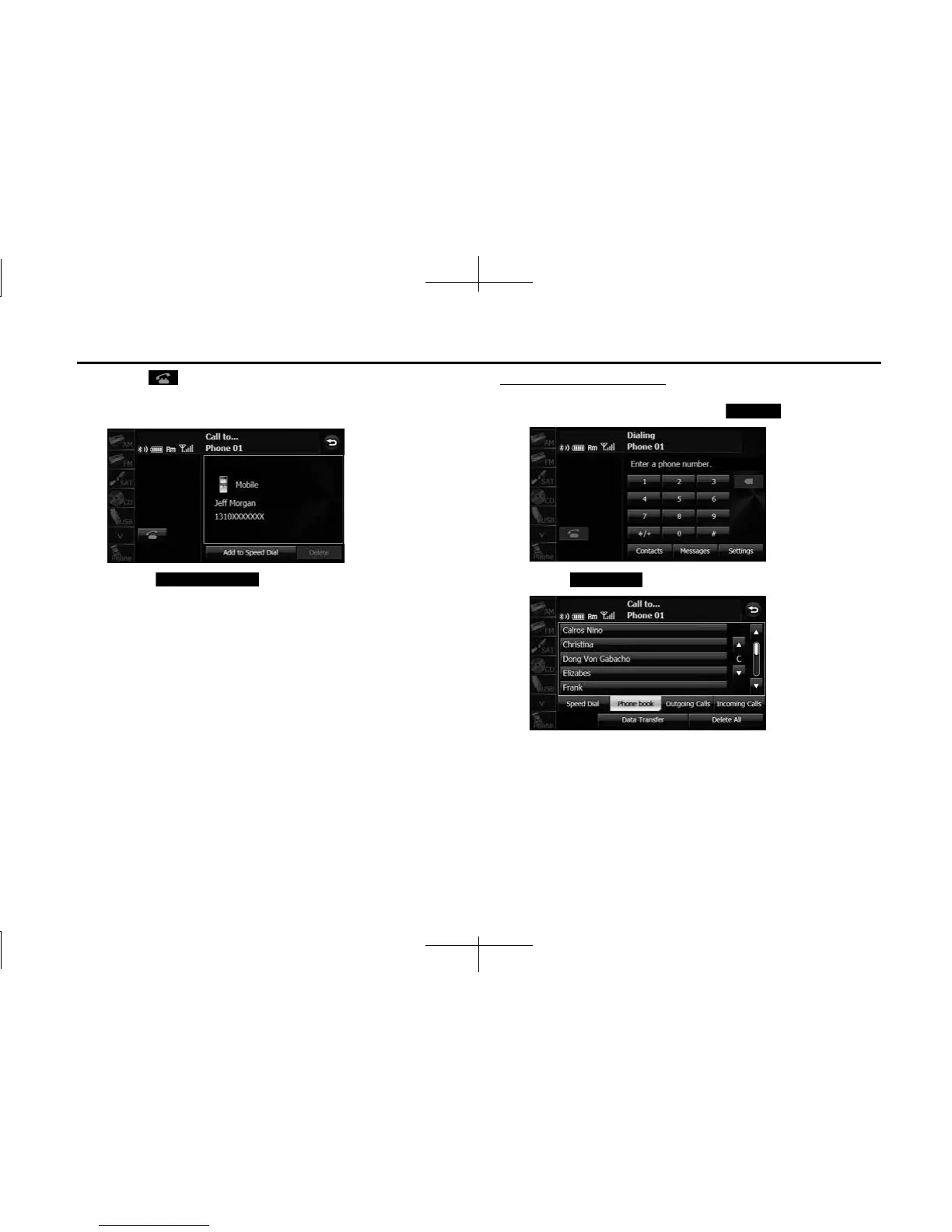
• A call is made to the telephone number that you selected from
the history.
• Touch (Add to Speed Dial) to register the
displayed history item in “Speed Dial”. (See Page 62.)
NOTE
The incoming and outgoing call histories can each store 10 calls for each
registered cell phone. In the incoming call history, 5 missed calls and 5 other calls
can be stored. When 10 calls are stored (5 missed incoming calls and 5 other
calls), the oldest call is deleted from the history at the next call.
Calling from the phone book
1 On the handsfree screen, touch (Contacts).
2 Touch (Phone book).
Add to Speed Dial
Contacts
Phone book














 To Next Page