68 Introduction
Before Use
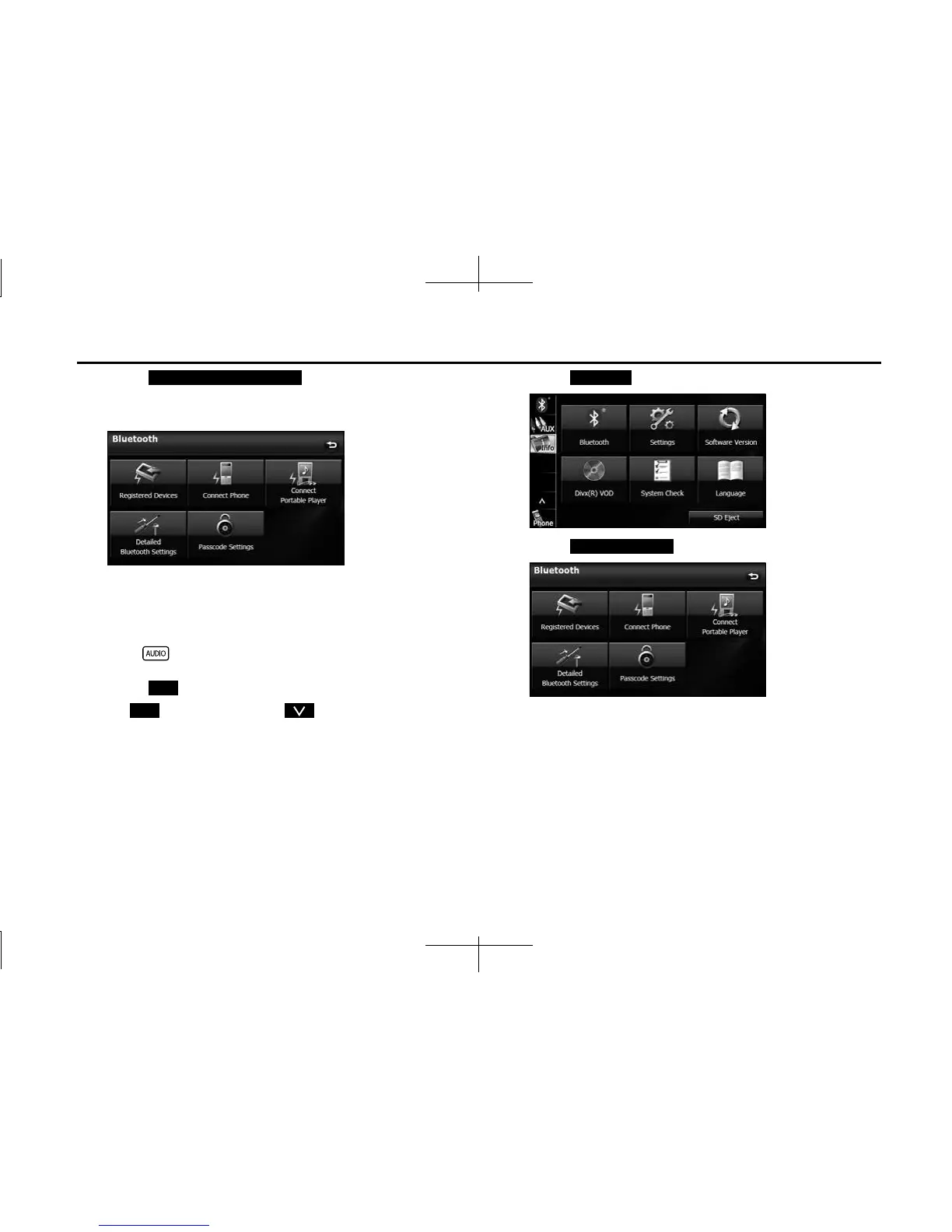
4 Touch (Detailed Bluetooth
Settings).
• The Detailed Bluetooth Settings screen appears.
■ Changing the passcode (passkey)
You can change the passcode (passkey) for cell phone registration to
any number with 4 to 8 digits.
1 Press .
2 Touch .
• If is not displayed, touch .
3 Touch .
4 Touch (Passcode Settings).
Detailed Bluetooth Settings
Info
Info
Bluetooth
Passcode Settings














 To Next Page