76 Introduction
Before Use
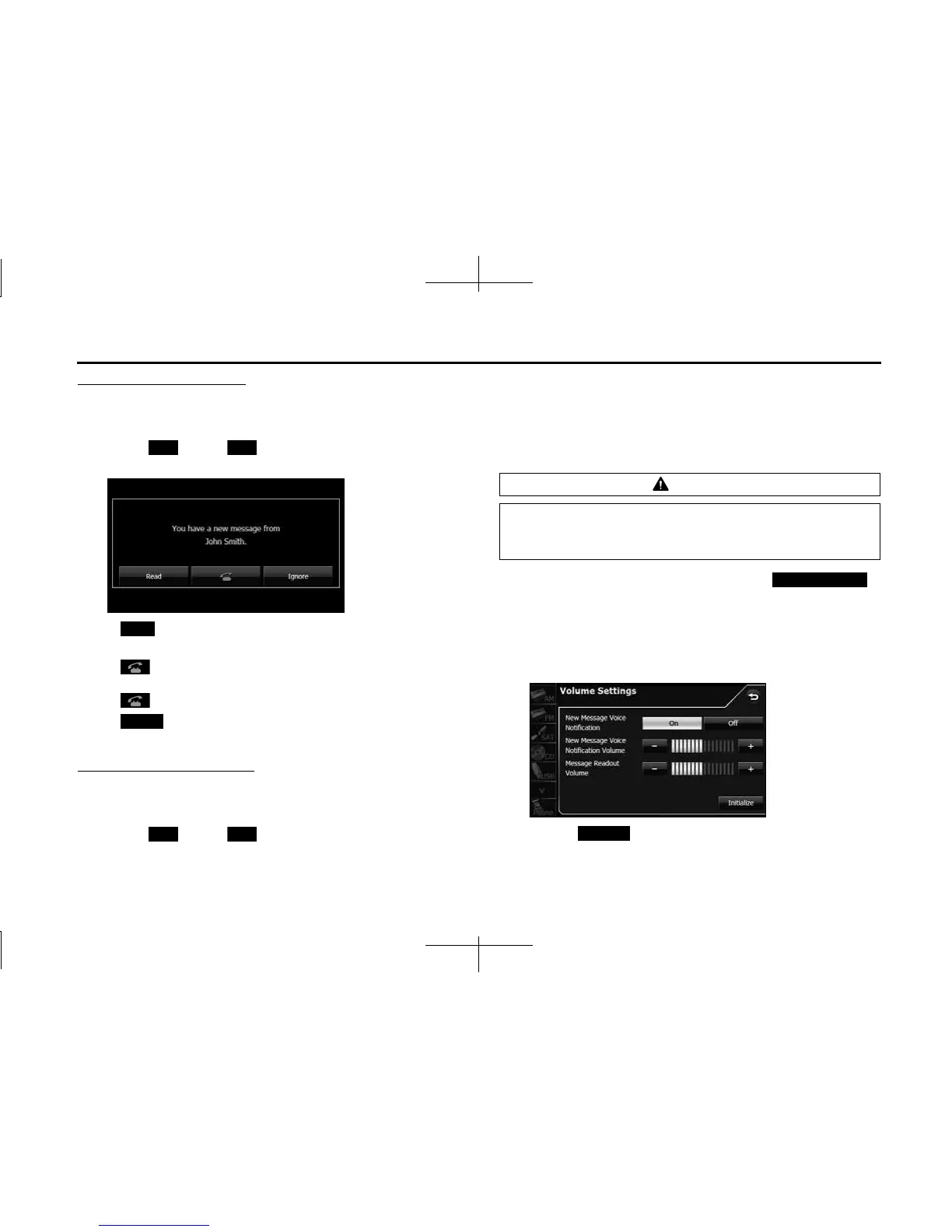
New Message Pop-up setting
You can set a new message pop-up to be displayed on the screen
when a message is received.
1 Touch (On) or (Off).
<New Message Pop-up>
• (Read):
Display the Messages screen.
•:
If there is telephone number data in the address, you can touch
to call the number.
• (Ignore):
Return to the previous screen.
Auto Readout Message setting
You can set messages to be played with audio playback when they are
received.
1 Touch (On) or (Off).
■ Setting the message volumes
You can set the various message volumes on the Volume Settings
screen. You can perform message settings individually for each
registered cell phone. For details on switching the cell phone, see
“Connecting a cell phone” on Page 46.
1 On the message Settings screen, touch
(Volume Settings).
2 You can perform the following settings by touching the
setting buttons for each item.
<Volume Settings screen>
• Touch (Initialize) to return the settings in the Volume
Settings screen to their initial values.
On O
Read
Ignore
On O
CAUTION
Be sure to set the volume of the audio at an appropriate level.
Improper volume setting may result in hearing damage or a
traffic accident.
Volume Settings
Initialize














 To Next Page