84 Navigation
Read First
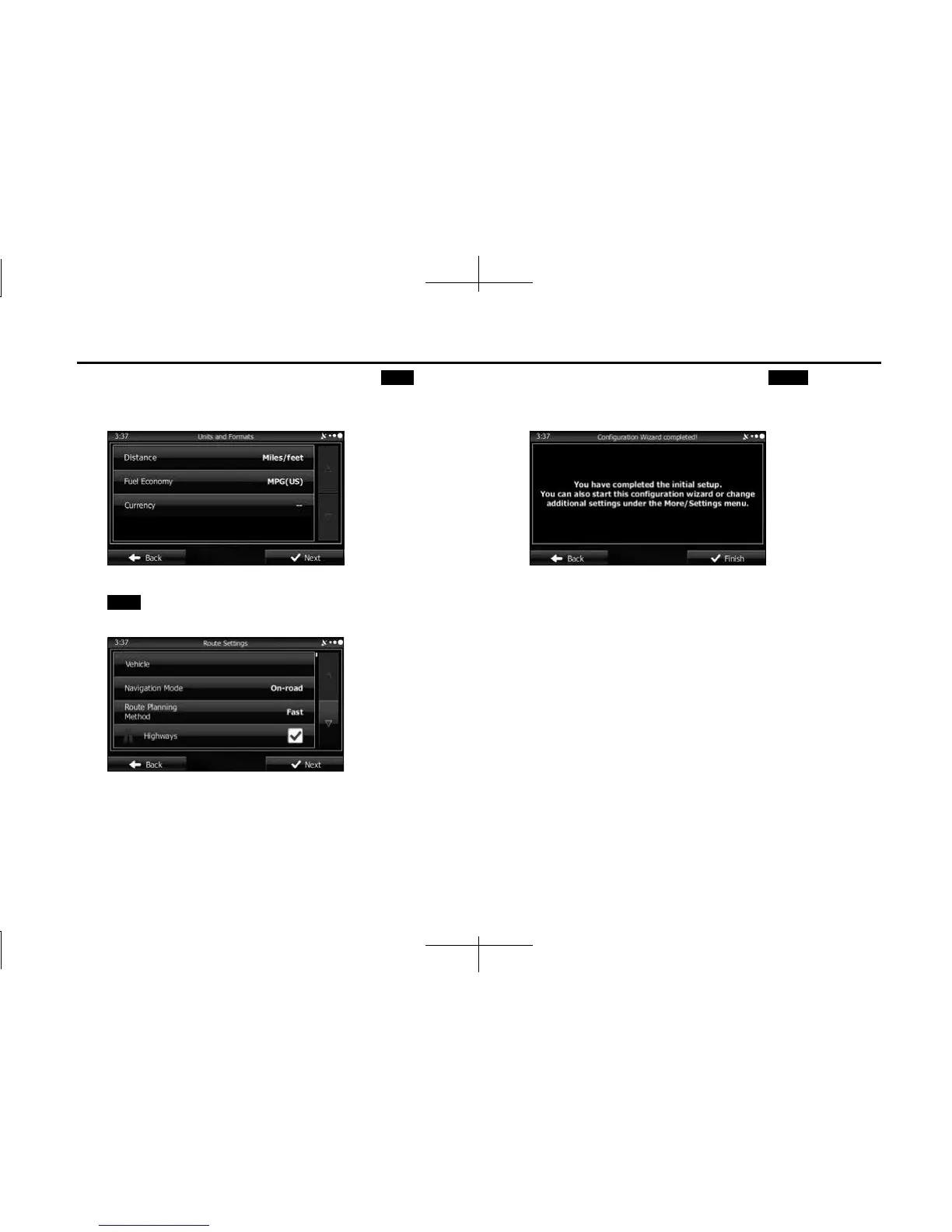
4 Change the unit settings if necessary. Touch (Next)
to continue. You can change this at any time from Units
and Formats. (See Page 173.)
5 Change the initial route plan settings if necessary. Touch
(Next) to continue. You can change this at any time
from Route Settings. (See Page 169.)
6 This completes the initial setup. Touch (Finish) to
continue. After setting up, you can run the Setup Wizard
at any time from the Settings menu. (See Page 163.)
After the initial setup, the navigation menu is displayed and you can
start using the software.
Next
Next
Finish














 To Next Page