CheckPoint Pharma and CheckPoint
e
Operation and Maintenance Manual
SUEZ © 2018 99 of 112 DLM 97200-03 EN Rev. A
If water is not flowing through the pump tubing, you may need to back flush the Sensor. Make sure
the flow of sample water is disabled, and then remove the sample pump inlet tubing from the barbed
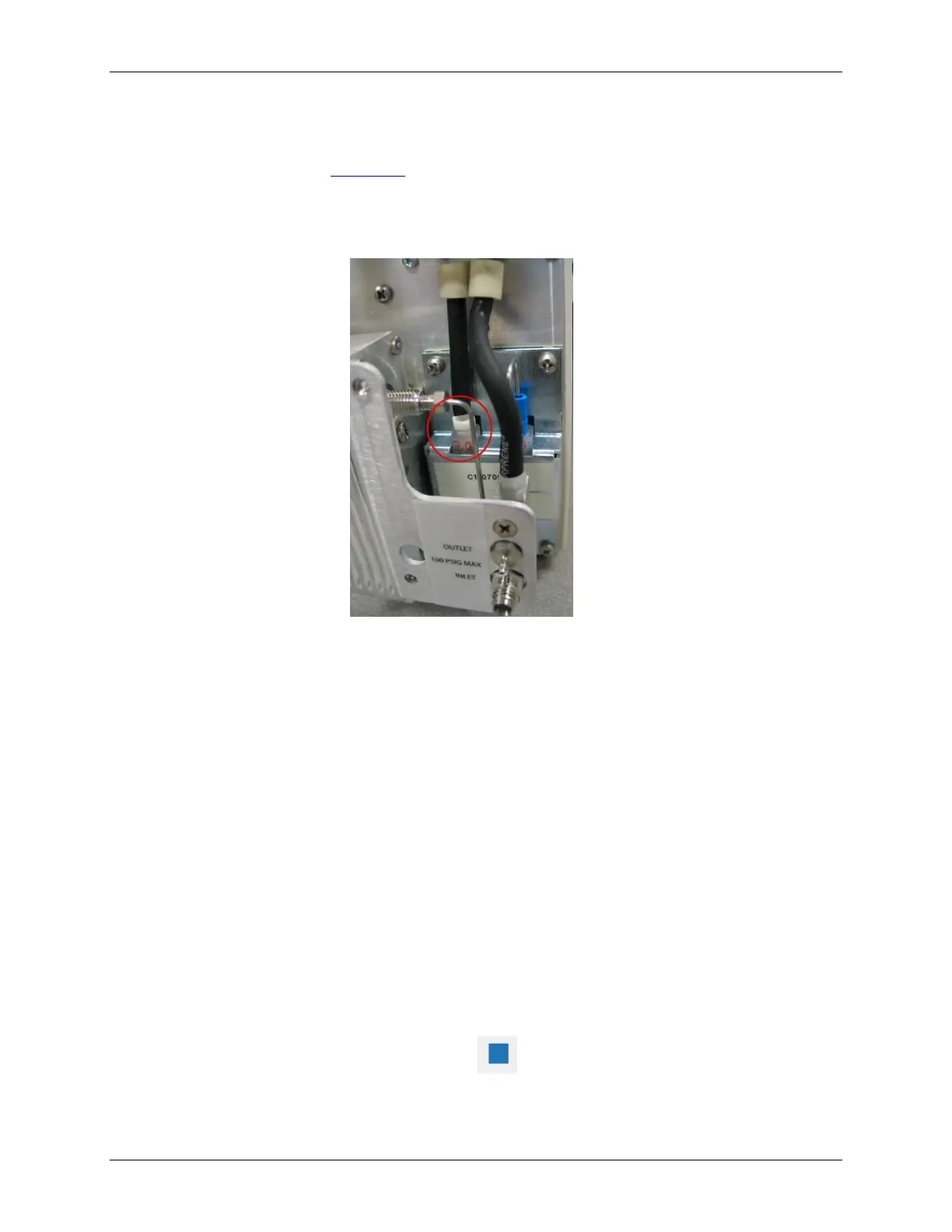
fitting on the sample block (see Figure 40: Removing the Sample Pump Inlet Tubing).
Use a water bottle with a nozzle or squeeze bottle to gently force water into the sample pump inlet
tubing.
Figure 40: Removing the Sample Pump Inlet Tubing
Checking for Leaks
Leaks and or bubbles in the Sensor may cause noisy data. To safeguard against leaks, confirm that
all fittings are tight, and make sure the sample pump inlet tubing is securely seated on the barb on the
sample block. Also check for signs of moisture in the fluidics side of the Sensor.
Step 3: Returning the Sensor to SUEZ
Several precautions must be followed to ensure that the Sensor is not damaged during shipment. If
the original shipping container has not been retained, contact Technical Support or your local service
provider to order shipping supplies. Under no circumstances, should the Sensor be packed in
anything other than the original shipping container.
To prepare the Sensor for shipping, do the following:
1. If the Sensor is taking measurements, press the button to stop analysis.
2. Stop the flow of sample water to the Sensor.



 To Next Page