52 Sun Fire 280R Server Service Manual • January 2001
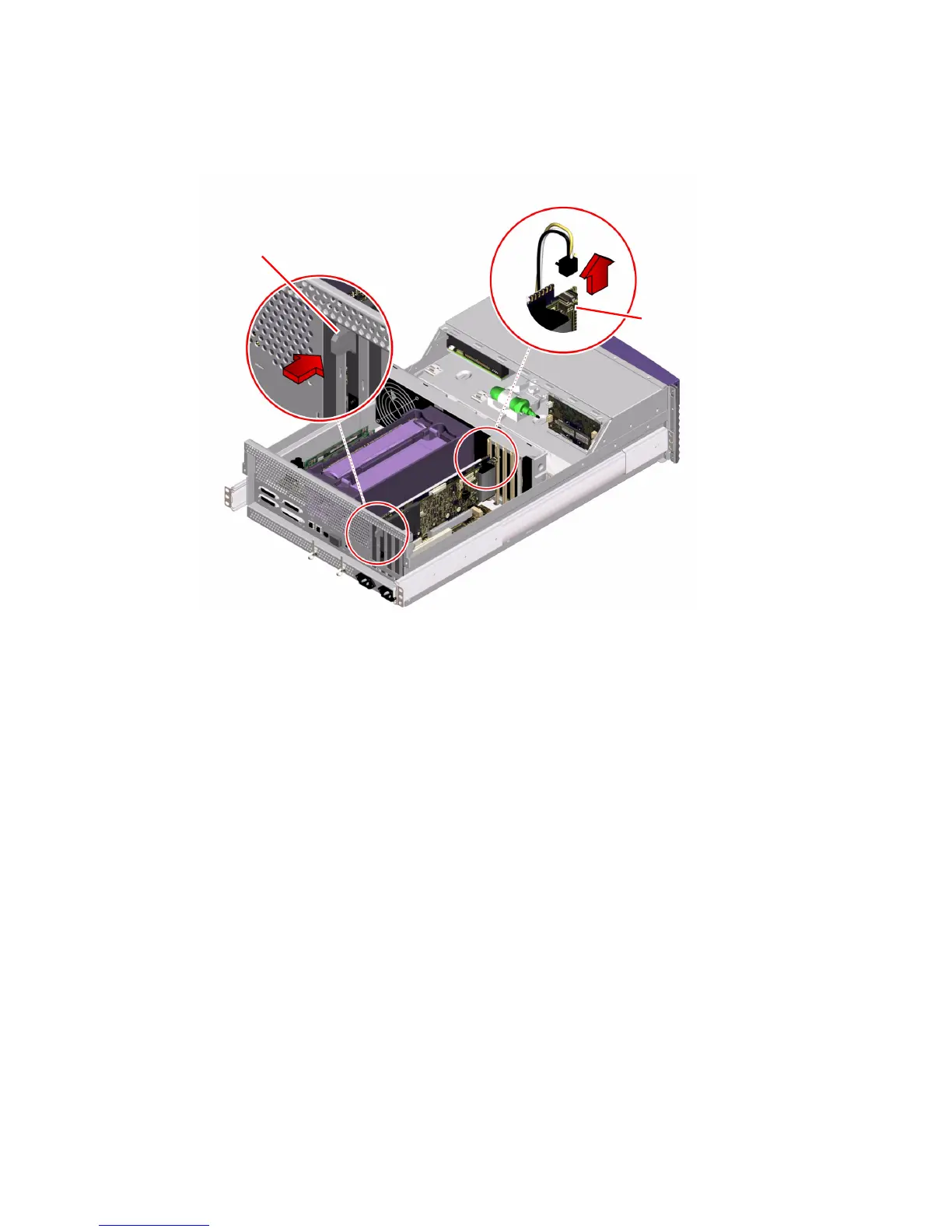
4. Push the modem x-jack connector back into the RSC card faceplate.
5. Locate the I
2
C cable connected to the RSC internal connector.
6. Press the release clip on the I
2
C cable connector and remove the cable from the
RSC card.
7. Drape the I
2
C cable over the air guide and out of the way.
Modem x-jack connector
I
2
C connector













 To Next Page