Chapter 2 Servicing the Main Logic Board and Components 55
What to Do
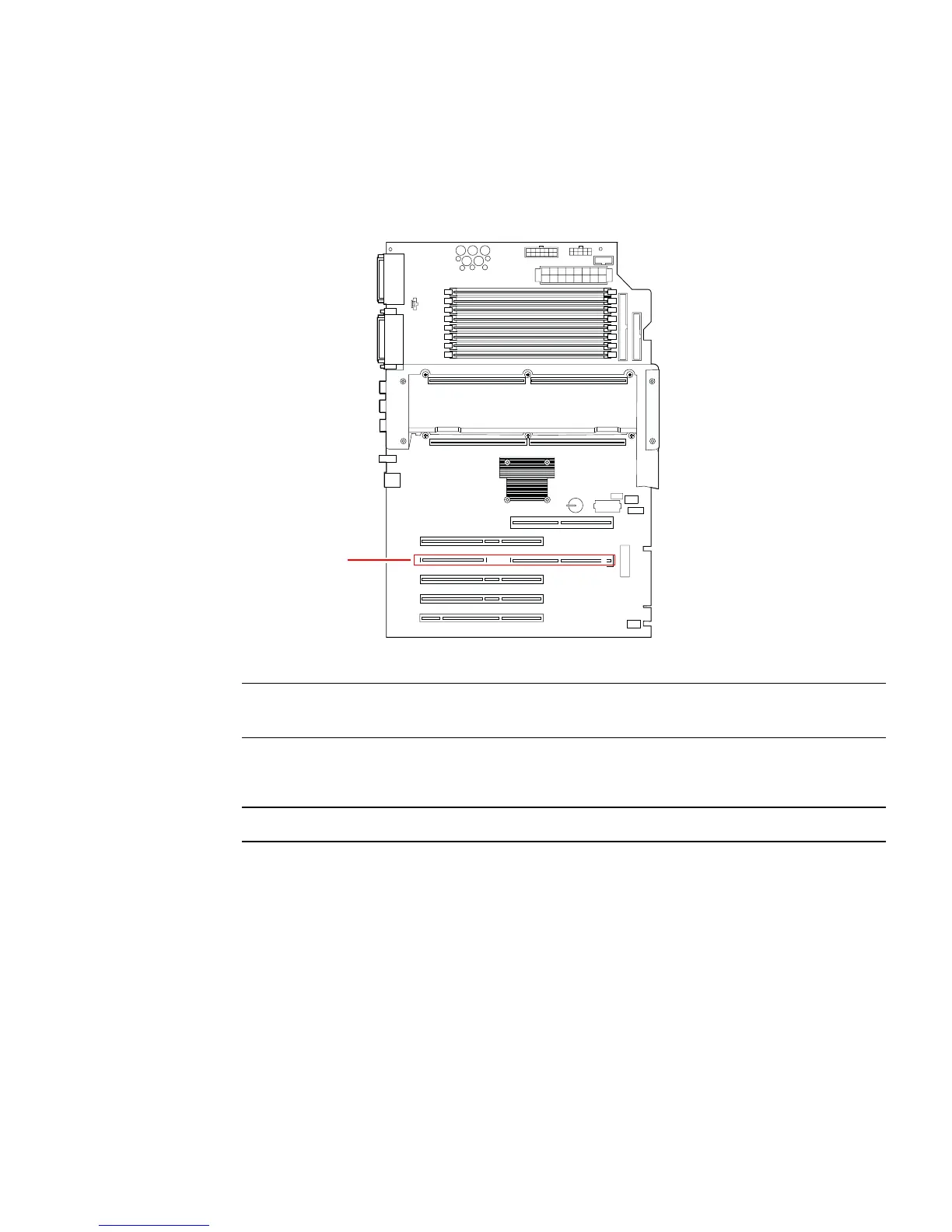
1. Locate the slot for the RSC card, the fourth slot from the edge of the main logic
board.
Note – Make sure to install the RSC card in the RSC slot. Though the RSC card can
physically fit in a PCI slot, it will not function if installed there.
2. Insert the RSC card into its slot on the main logic board.
Note – Be sure that the modem x-jack connector is fully retracted.
a. Insert the faceplate end of the card into the appropriate opening in the back
panel.
b. Insert the opposite end of the card into the appropriate fan bracket card guide
so that the card is aligned evenly with the connectors on the main logic board.
RSC slot
System front













 To Next Page