64 Sun Fire 280R Server Service Manual • January 2001
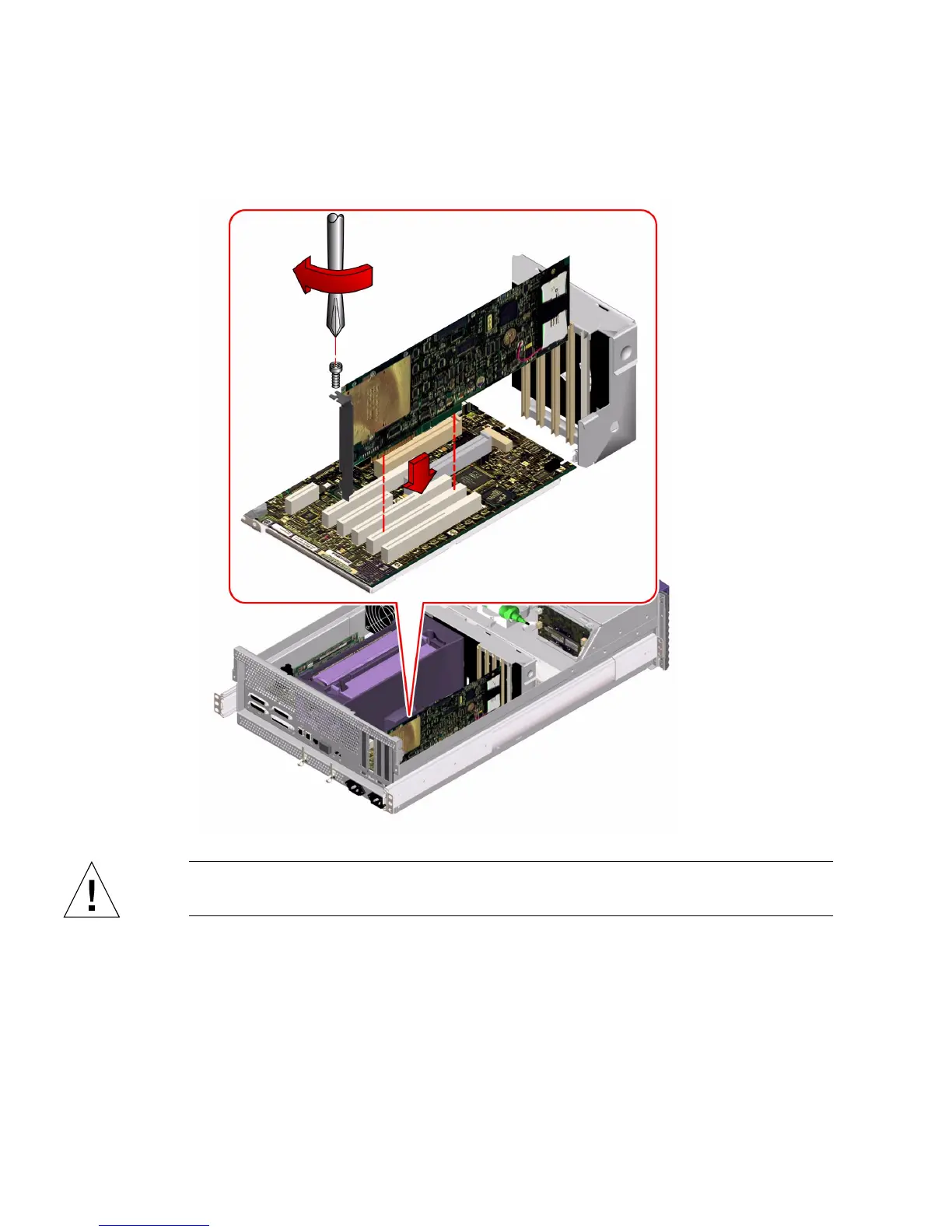
b. Push the card into the corresponding connector on the main logic board.
Apply even pressure along the edge of the card.
Caution – Do not apply excessive force to one end or one side of the card. Doing so
could damage the card.
4. Secure the PCI card faceplate to the back panel with the Phillips screw.
5. If necessary, connect any internal cables to the PCI card’s internal connectors.
6. If necessary, connect any external cables to the PCI card.


 To Next Page
 Loading...











