Chapter 2 Servicing the Main Logic Board and Components 67
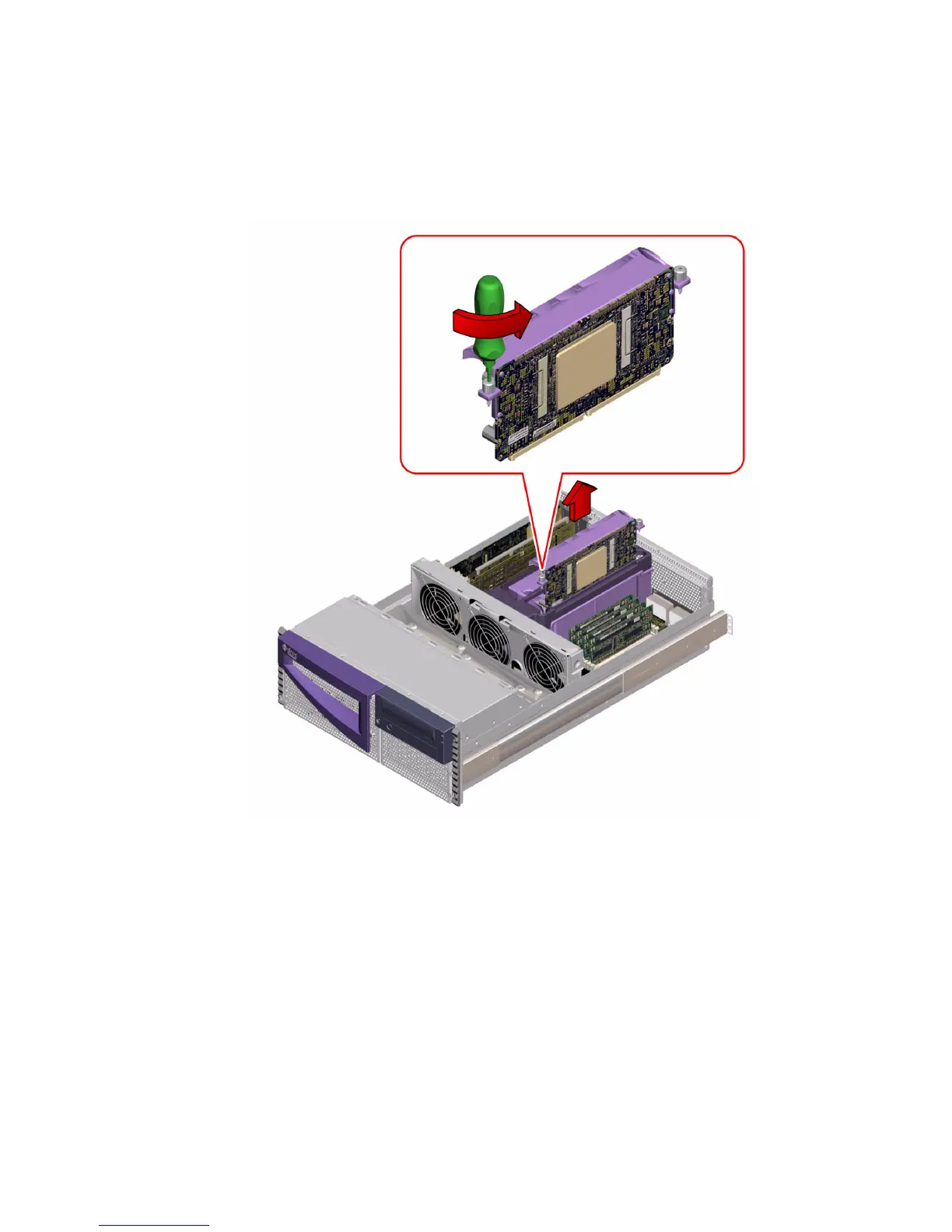
3. Loosen the two captive torque screws on either side of the CPU module.
Alternately unscrew each side one full turn until the screws are loose enough to turn
with your fingers.
4. Continue loosening both screws with your fingers until you can lift the CPU
module out of its bracket.
5. Pull the CPU module up from the main logic board to disengage the module from
its main logic board connector.
Place a finger under the lip on each side of the CPU module and gently lift the
module up and away from the main logic board.
6. Slide the CPU module out of the bracket.













 To Next Page