68 Sun Fire 280R Server Service Manual • January 2001
Caution – Do not touch the electrical contacts on the CPU module or the main logic
board. They are very delicate and can be damaged easily.
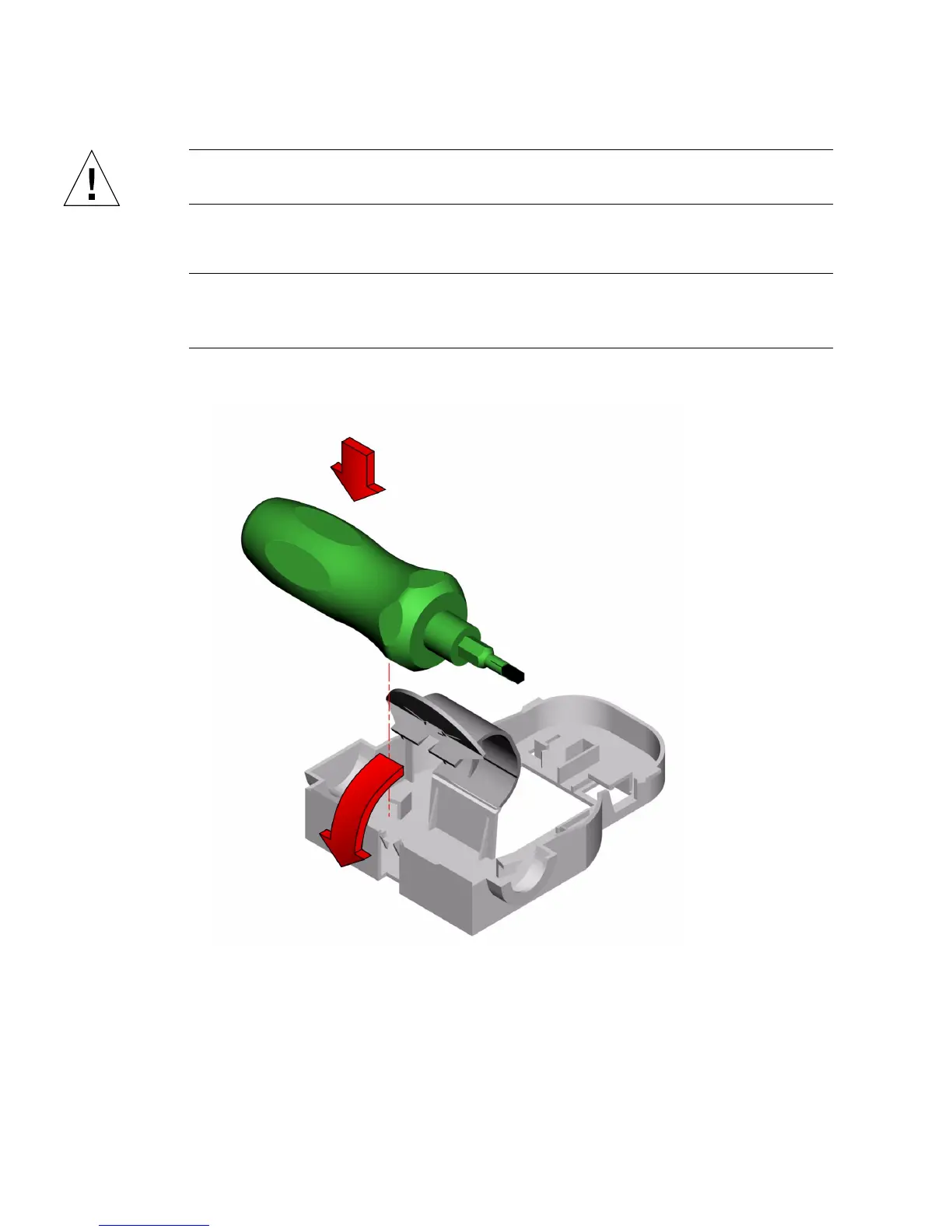
7. Place the module on an antistatic mat.
Note – If you plan to restart the system with only one CPU module installed, make
sure the remaining CPU module is installed in CPU slot 0. The system will not boot
without a CPU module in slot 0.
8. Mount the torque screwdriver into its holder inside the chassis.













 To Next Page