70 Sun Fire 280R Server Service Manual • January 2001
For more information about CPU modules, see your Sun Enterprise Sun Fire 280R
Server Owner’s Guide.
What to Do
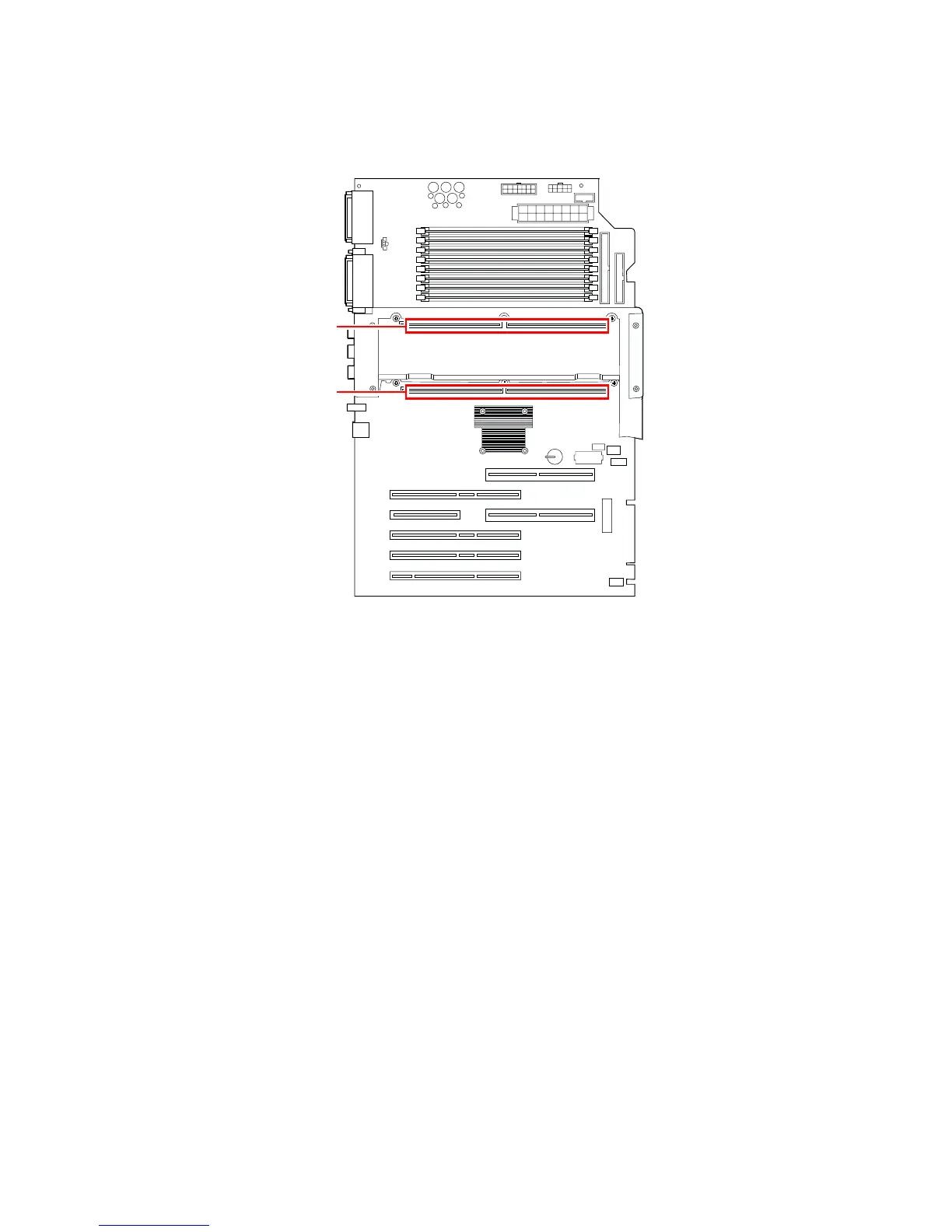
1. Locate the appropriate slot for the CPU module that you are installing into the
CPU card cage on the main logic board.
If you are installing a CPU module into CPU slot 1, remove the CPU filler panel if
one is installed.
2. Align the CPU module with the slot in the CPU card cage, ensuring that the
screws (one on each side of the module) are aligned with the screw holes in the
top of the CPU card cage.
3. Slide the CPU module evenly into the slot in the CPU card cage until the module
touches the socket on the main logic board.
CPU slot 1,
optional
CPU slot 0,
required
System front













 To Next Page