Chapter 2 Servicing the Main Logic Board and Components 71
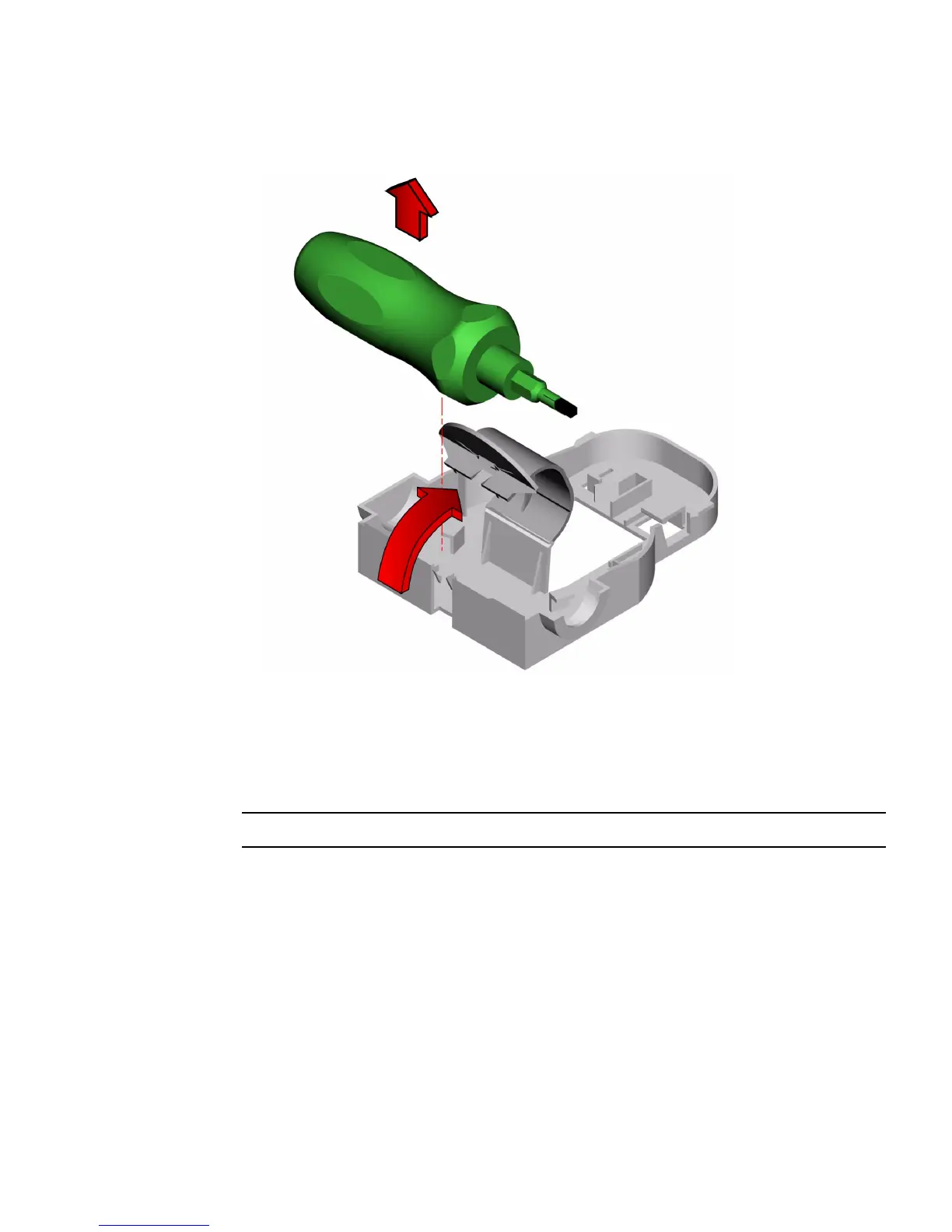
4. Remove the torque screwdriver mounted to the inside of the chassis.
5. Using the torque screwdriver, tighten the captive screws alternately one-half turn
until the screws are tightened.
The torque screwdriver will “pop” when you reach the correct torque setting on the
CPU module mounting screws.
Note – You can also use an adjustable torque screwdriver set at 5 in-lbs.













 To Next Page