Chapter 2 Installing the Sun Fire T1000 Server 13
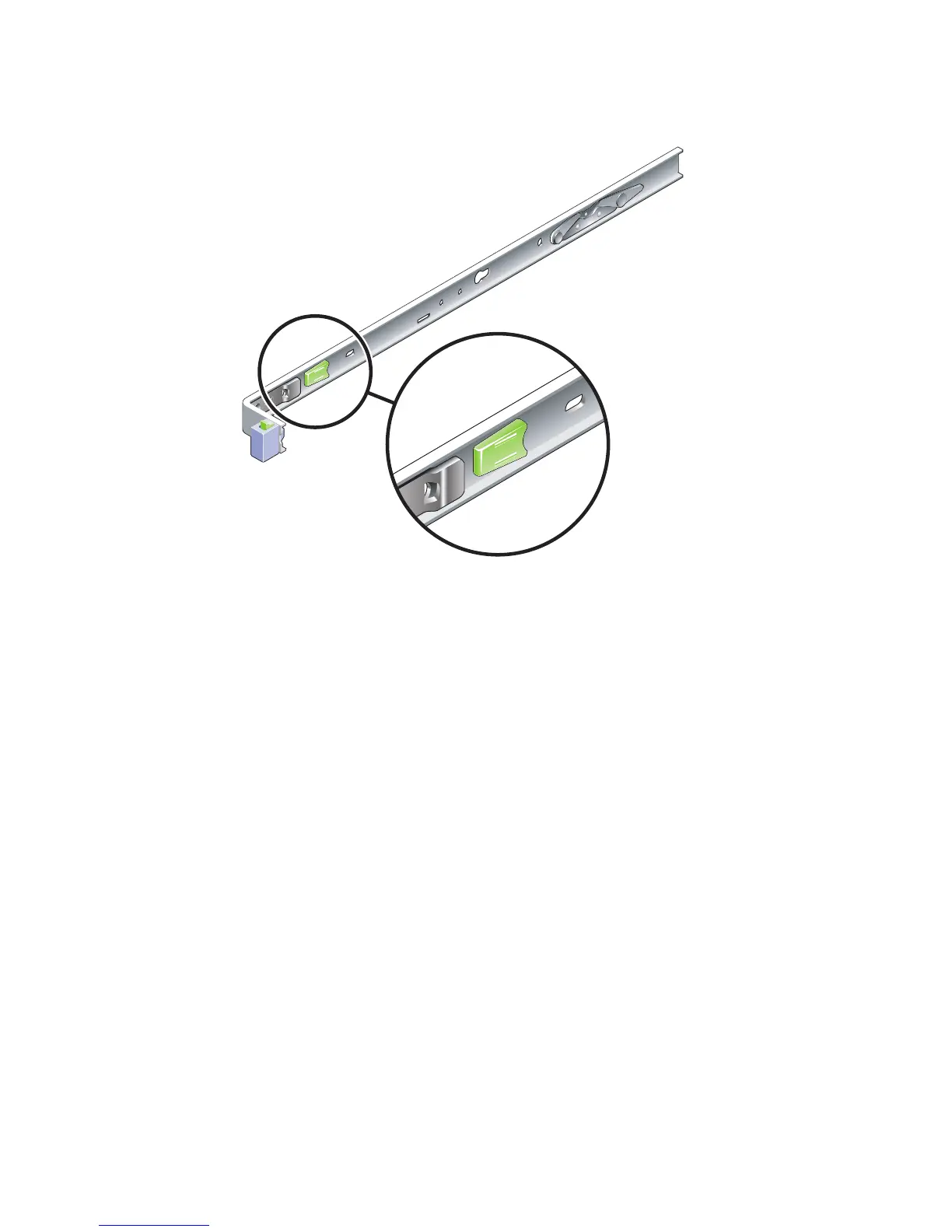
FIGURE 2-2 Mounting Bracket Release Button
2. Attach a mounting bracket to the right side of the Sun Fire T1000 chassis.
a. Position the mounting bracket against the server chassis (
FIGURE 2-3) so that the
slide rail lock is at the front and the two keyed openings on the mounting
bracket are aligned with the two locating pins on the side of the chassis.













 To Next Page