18 Sun Fire T1000 Server Installation Guide • January 2006
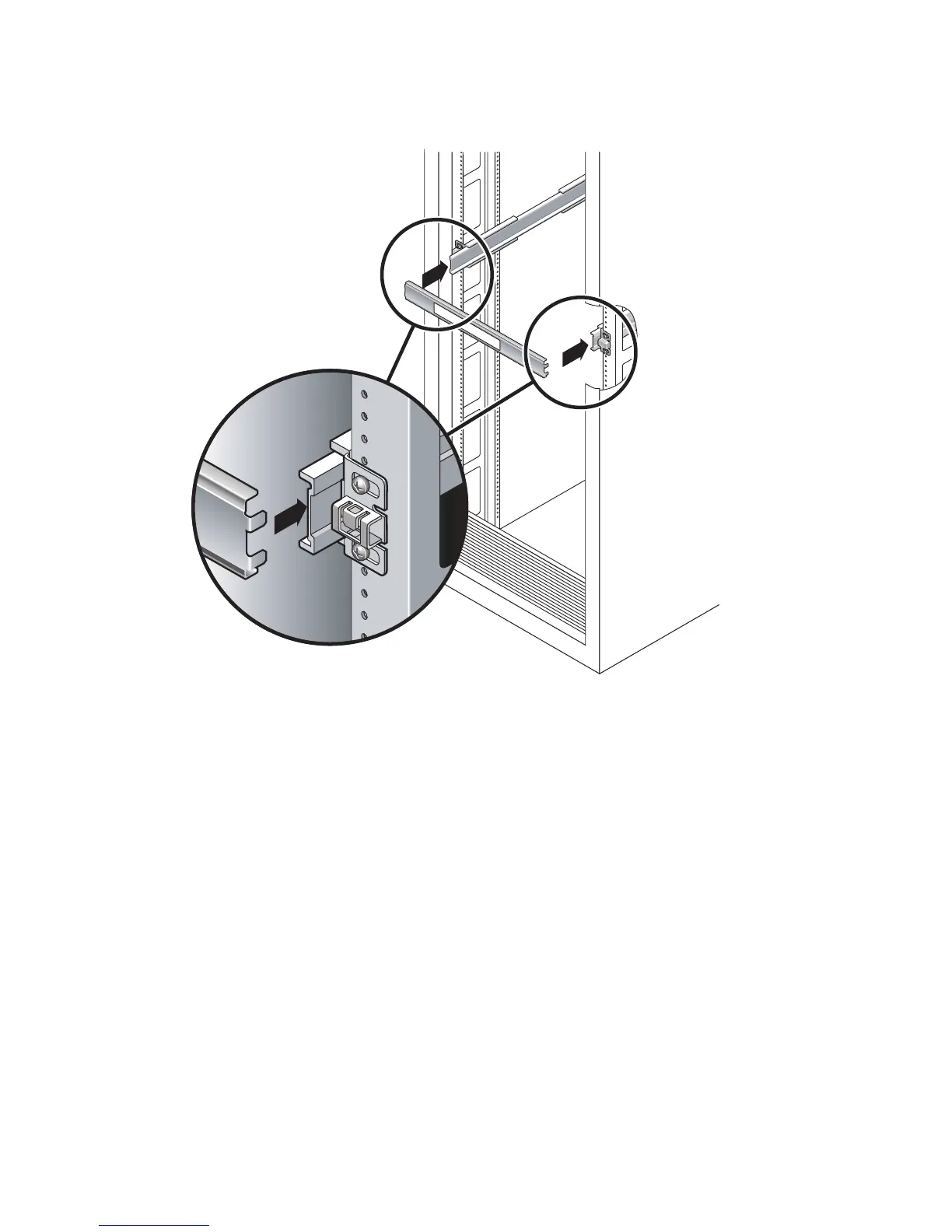
FIGURE 2-7 Using the Slide Rail Spacing Tool to Adjust the Distance Between the Slide
Rails
b. Insert the right side of the tool into slots at the end of the right rail, while
simultaneously sliding the end of the rail to the right or left as needed to allow
the ends of the tool to enter both middle sections.
When the tool is properly inserted, the distance between the rails is 17.4 in. (442
mm).
c. Tighten the three screws to lock the ends of the slide rails in place.
d. Remove the slide rail spacing tool.
e. At the front of the rack, use the spacing tool to adjust the distance between the
front ends of the rails.
The front ends of the rails do not have slots for the spacing tool. Slide the rails
sideways as needed until the sides of the spacing tool touches both rails. At this
point, the distance between the ends of the rails is 17.4 in (442 mm).
f. Tighten the two screws to lock the rails in place.
Front













 To Next Page