22 Sun Fire T1000 Server Installation Guide • January 2006
▼ To Connect the SC Network Management Port
The system controller network management port is marked NET MGT (FIGURE 2-10).
Note – This port must be configured prior to use. Instructions are given in
Chapter 3.
● Connect a Category 5 cable from the NET MGT network management port to your
network switch or hub.
▼ To Connect the Ethernet Network Cables
The Sun Fire T1000 server has four network connectors, marked NET0, NET1, NET2,
and NET3 (
FIGURE 2-9). These connectors are RJ-45 gigabit Ethernet.
1. Connect a Category 5 cable from your network switch or hub to Ethernet Port 0
(NET0) on the rear of the chassis.
NET0 is the left most port in the 4-port network cluster in
FIGURE 2-9.
2. Connect Category 5 cables from your network switch or hub to the remaining
Ethernet ports (NET1, NET2, NET3), as needed.
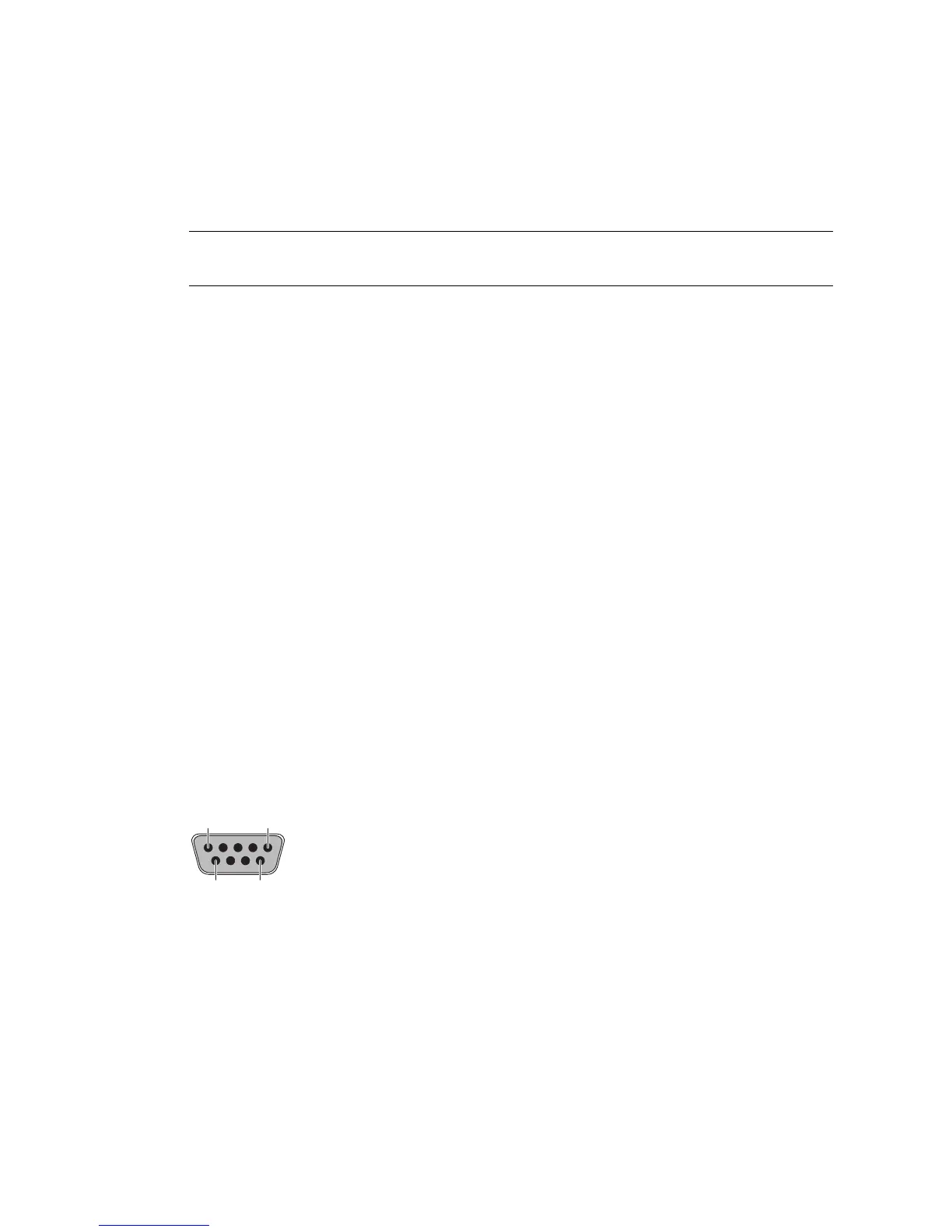
Serial Port
The serial port connector (TTYA) is a DB-9 connector. Use the serial port for general
purpose serial data transfers. You may use this port with a modem.
This serial port is not the SC serial management port.
FIGURE 2-11 Serial Port (TTYA)
▼ To Connect the AC Power Cables to the Server
Powering on the system for the first time requires special preparation and
procedures. For example, if you have not prepared a display before connecting the
AC power cables, system messages might be lost.
15
69













 To Next Page