Chapter 2 Installing the Sun Fire T1000 Server 21
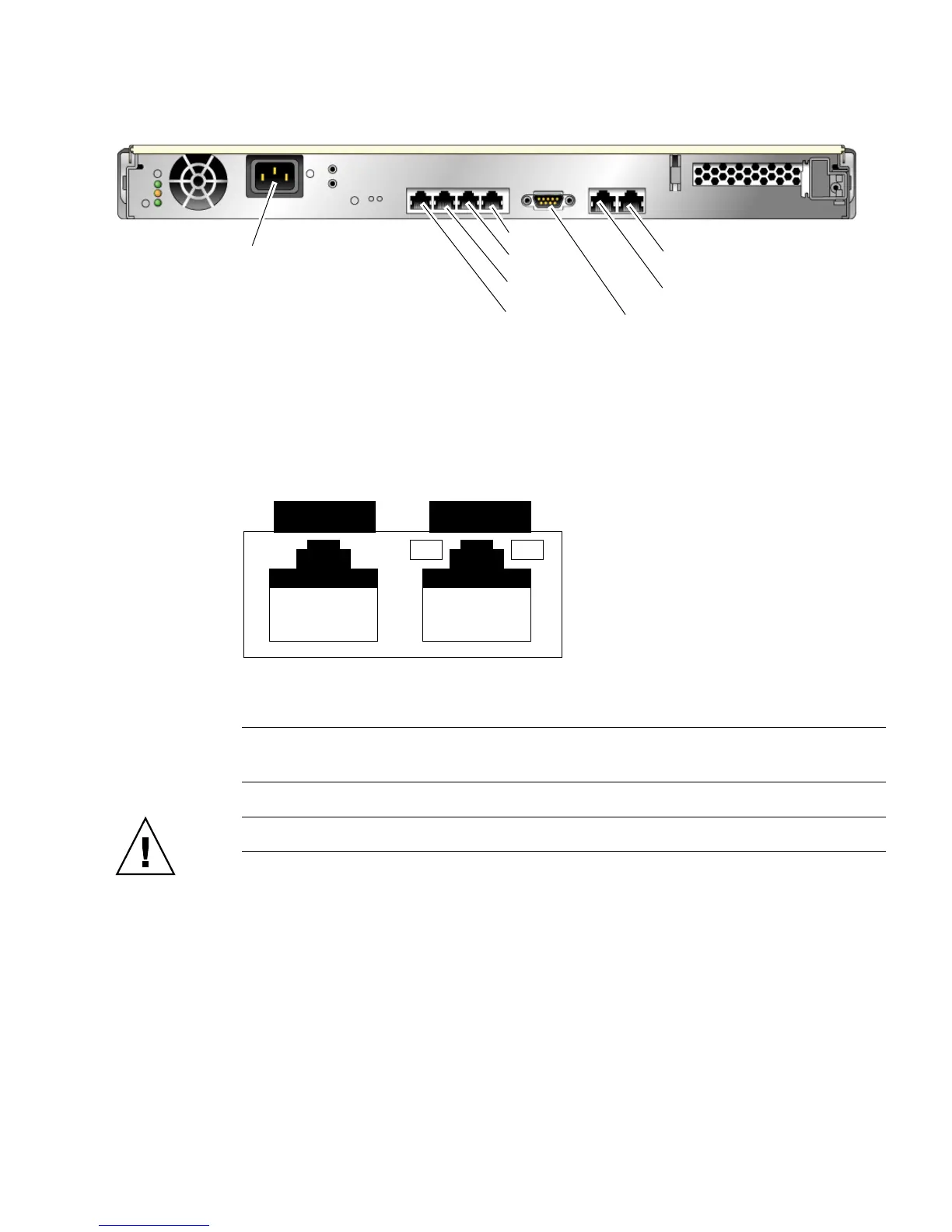
FIGURE 2-9 Rear Panel Connectors
▼ To Connect the SC Serial Management Port
The system controller serial management port is marked SER MGT (FIGURE 2-10).
FIGURE 2-10 System Controller Serial and Network Ports (Rear of Chassis)
Note – Use the SC serial management port only for server management. It is the
default connection between the system controller and a terminal or a computer.
Caution – Do not attach a modem to this port.
● Connect a Category 5 cable from the SER MGT serial management port to the
terminal device.
When connecting either a DB-9 or a DB-25 cable, use an adapter to perform the
crossovers given for each connector.
■ If connecting to a serial port on a personal computer, you can use Sun Part No.
530-3100-01 or equivalent.
■ If connecting to a Sun workstation or server, you can use Sun Part No.
530-2889-03 or equivalent.
SC network management port
SC serial management port
NET3
NET2
NET1
NET0
Serial port
AC in
SER MGT NET MGT













 To Next Page