14 Sun Fire T1000 Server Installation Guide • January 2006
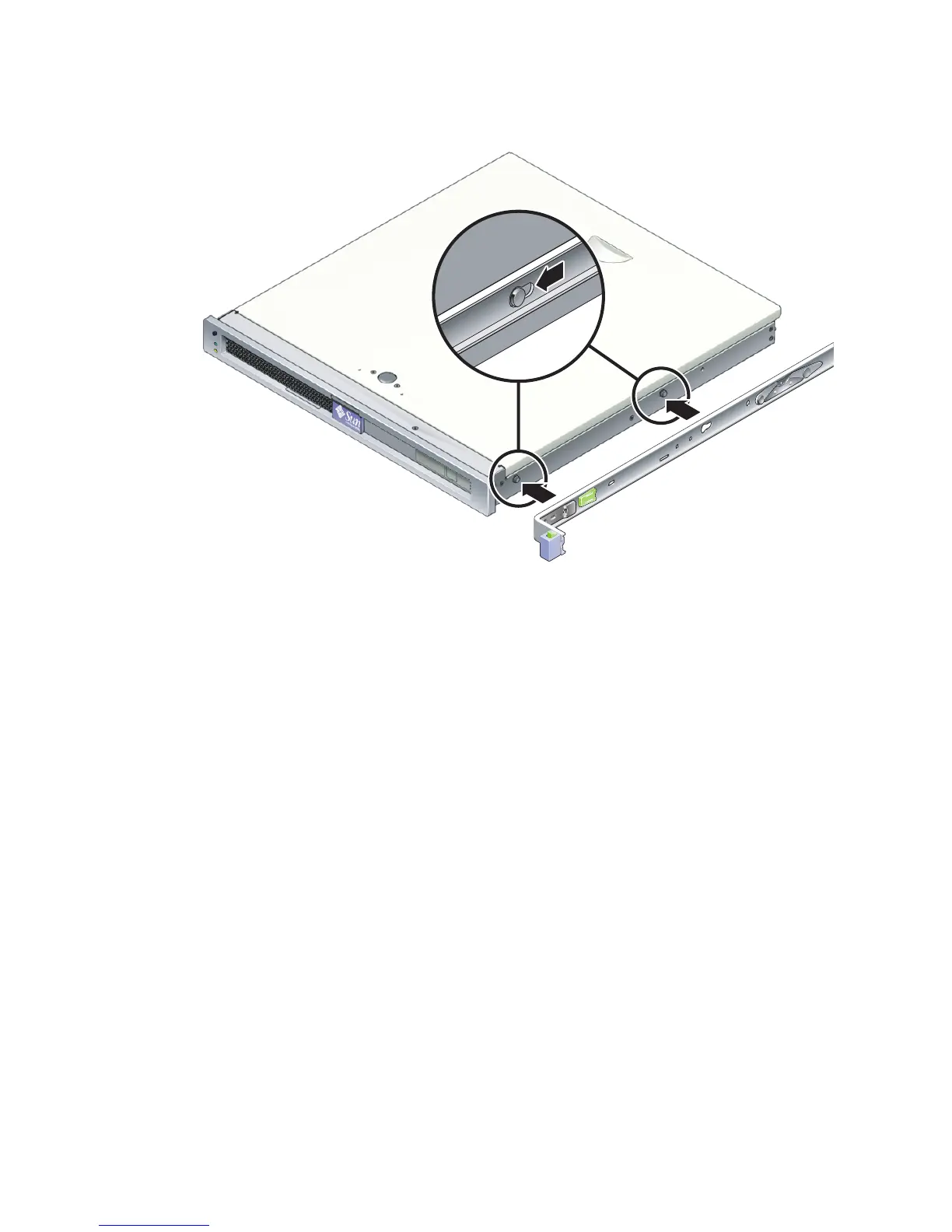
FIGURE 2-3 Attaching a Mounting Bracket to the Chassis
b. With the heads of the two locating pins protruding though the two keyed
openings in the mounting bracket, slide the mounting bracket toward the front
of the chassis until the bracket locks into place with an audible click.
c. Verify that both locating pins are trapped in the keyed openings and that the
front locating pin has engaged the mounting bracket lock (
FIGURE 2-3).
3. Attach the second mounting bracket to the left side of the Sun Fire T1000 chassis.













 To Next Page