Chapter 2 Installing the Sun Fire T1000 Server 19
▼ To Install the Server in the Rack
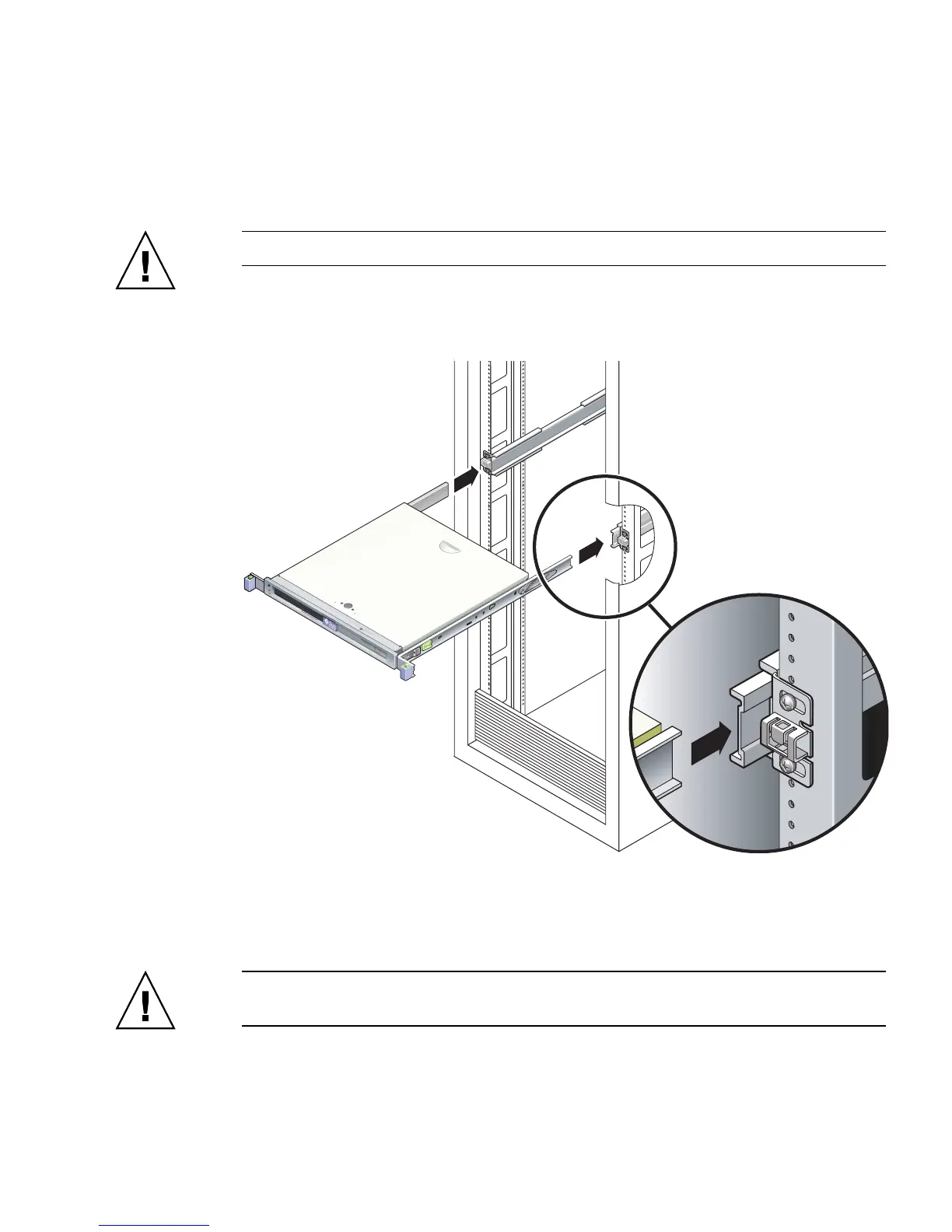
1. Deploy the antitilt bar, if the rack is so equipped.
Caution – Deploy the antitilt bar on the rack before beginning an installation.
2. Raise the server and insert the ends of the mounting brackets into the left and
right slide rails (
FIGURE 2-8).
FIGURE 2-8 Mounting the Chassis on the Slide Rails
3. Slide the chassis into the rack.
Caution – Before continuing, verify that the server is securely mounted in the rack,
and that the slide rails are locked to the mounting brackets.
Front













 To Next Page