Chapter 2 Installing the Sun Fire T1000 Server 17
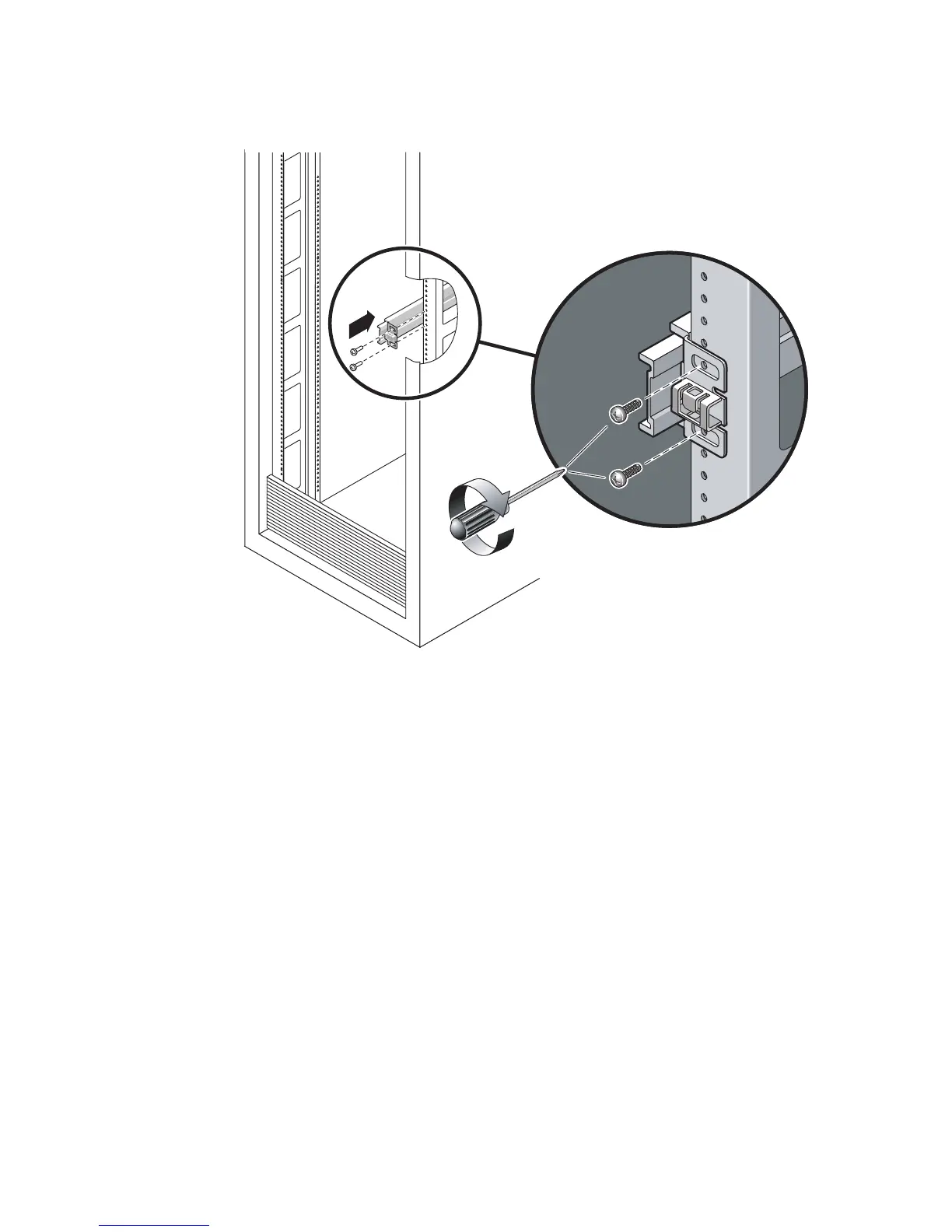
FIGURE 2-6 Mounting the Slide Rail
b. Adjust the length of the slide rail by sliding the rear section to reach the
outside edge of the rear rack post, then tighten the captive screws (
FIGURE 2-4)to
freeze the length of the slide rail.
c. Loosely attach the rear of the slide rail to the rear rack post with screws.
6. Attach the second slide rail to the left rack posts in a similar manner. Do not
tighten the attachment screws at the front or rear of the slide rail.
7. Use the slide rail spacing tool to adjust the distance between the slide rails.
a. At the rear of the rack, plug the left side of the tool into slots at the end of the
middle section on the left slide rail (
FIGURE 2-7).
Front












 To Next Page