Chapter 4 Installing the Server Into a 31.5-Inch Cabinet 67
Remove the Handle From Each Side Door
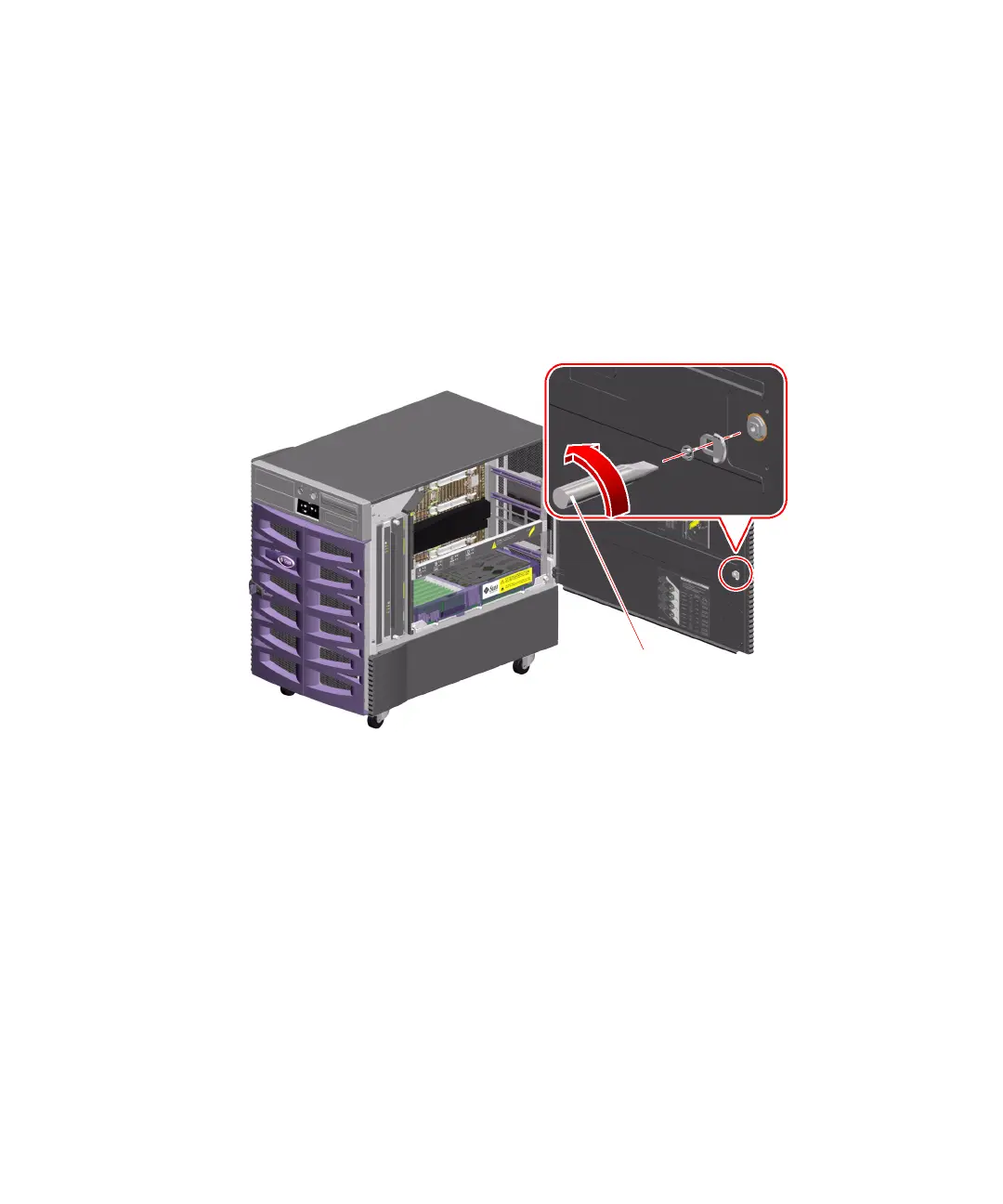
1. Open one of the server’s side doors.
Use the key provided with the server to unlock the door.
2. Remove the pawl from the side door.
On the inside of the door, remove the slot head screw from the center of the pawl.
Pull the pawl straight out to remove it.
Pawl











 To Next Page