Chapter 2 Installing the Server Into a 19-Inch Cabinet 13
5. Place the handles, pawls, and screws into the kit carton for safekeeping.
You will need to reinstall these parts if you reconfigure the server as a deskside unit.
Remove the Fenders and Lower Side Panels
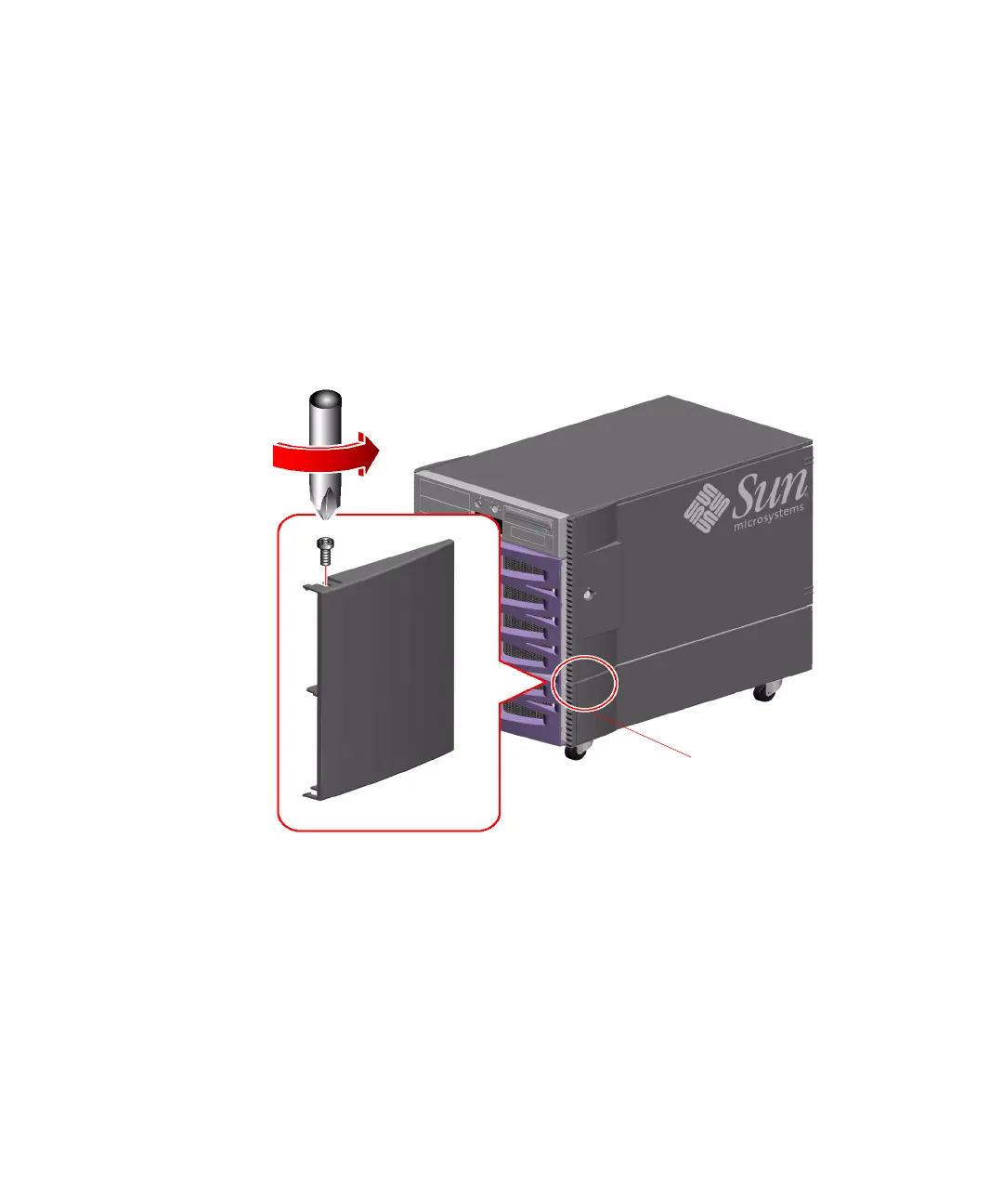
1. Remove the fender from the front of each of the lower side panels.
a. Remove the screw from the top of the fender.
b. Grasp the top and bottom edges of the fender and carefully flex the fender to
remove it.
c. Repeat Steps a and b to remove the fender from the other lower side panel.
Fender











 To Next Page