Chapter 4 Installing the Server Into a 31.5-Inch Cabinet 71
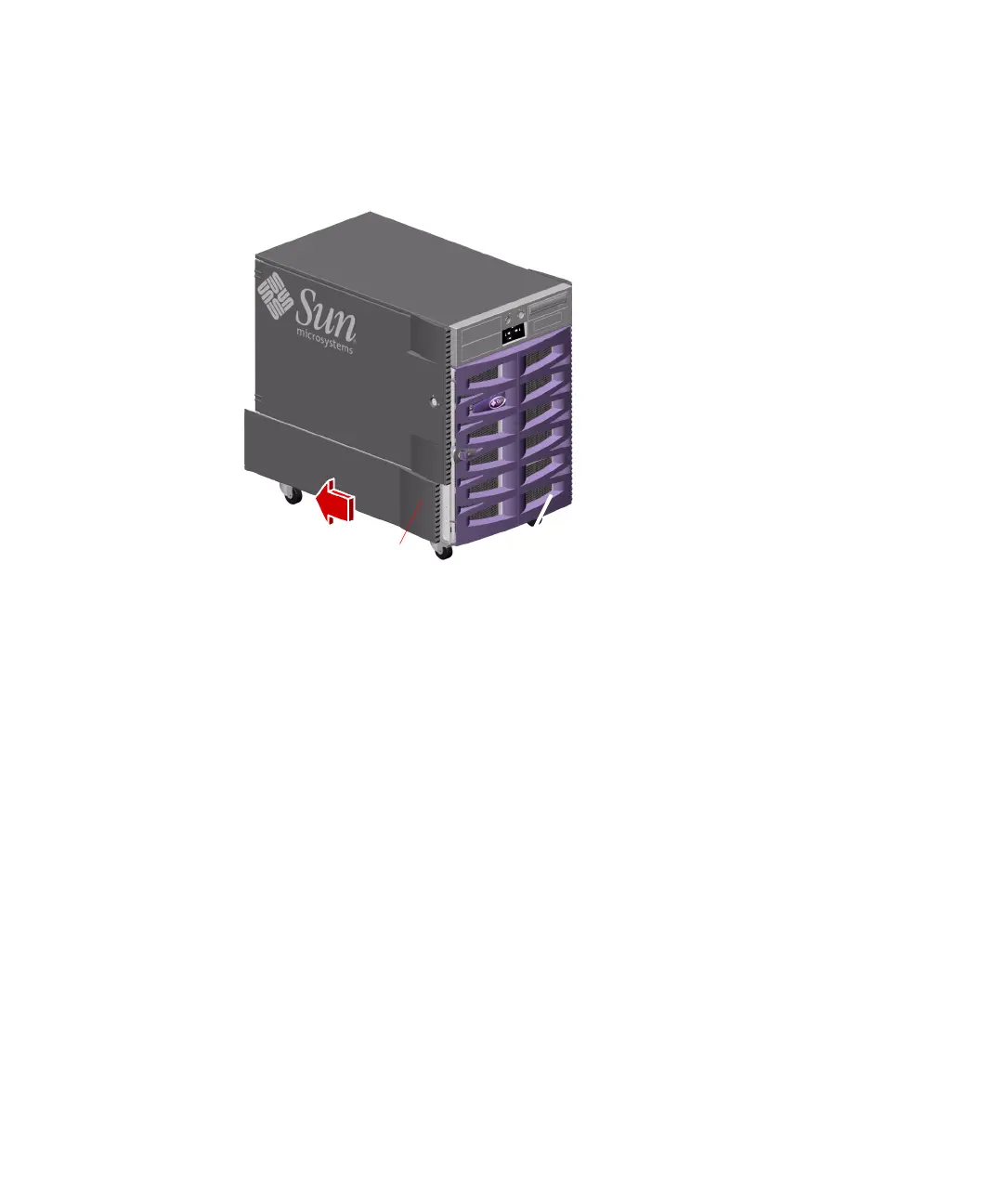
3. Grasp the trim strip and slide the lower side panel toward the rear of the server.
The lower side panel should disengage as you slide the panel so that you can easily
remove it.
4. Repeat Steps 2 and 3 for the right lower side panel.
5. Place the fenders, lower side panels, and screws into the kit carton for
safekeeping.
You will need to reinstall these parts if you reconfigure the server as a deskside unit.
Trim strip











 To Next Page