User Manual 7 Commissioning
31
No. Step Result
communication address needs to be preset.
8
Enable the DHCP service of the router, so that the Logger1000
automatically obtains the IP address via the DHCP function.
□
9
Set the iSolarCloud address if data needs to be uploaded to cloud
server.
The default iSolarCloud station i
s "China Station". Users in
mainland China access the "China Station", users in Europe access
the "Europe Station", and users in other regions access the
"International station".
□
10
Check the data of SUNGROW string inverter for correctness on the
real-time information interface.
□
11
Create new plant via the iSolarCloud APP and check the
iSolarCloud data for correctness.
□
The auto search function is available for SUNGROW string inverters
whose addresses are automatically allocated.
Devices of other types, such as energy meter and transformer, can be
connected to Logger1000 via the adding device function.
Addresses of the device connected to the same communication port
should be different from each other.
Save the settings after operation, and otherwise the settings will not
take effect.
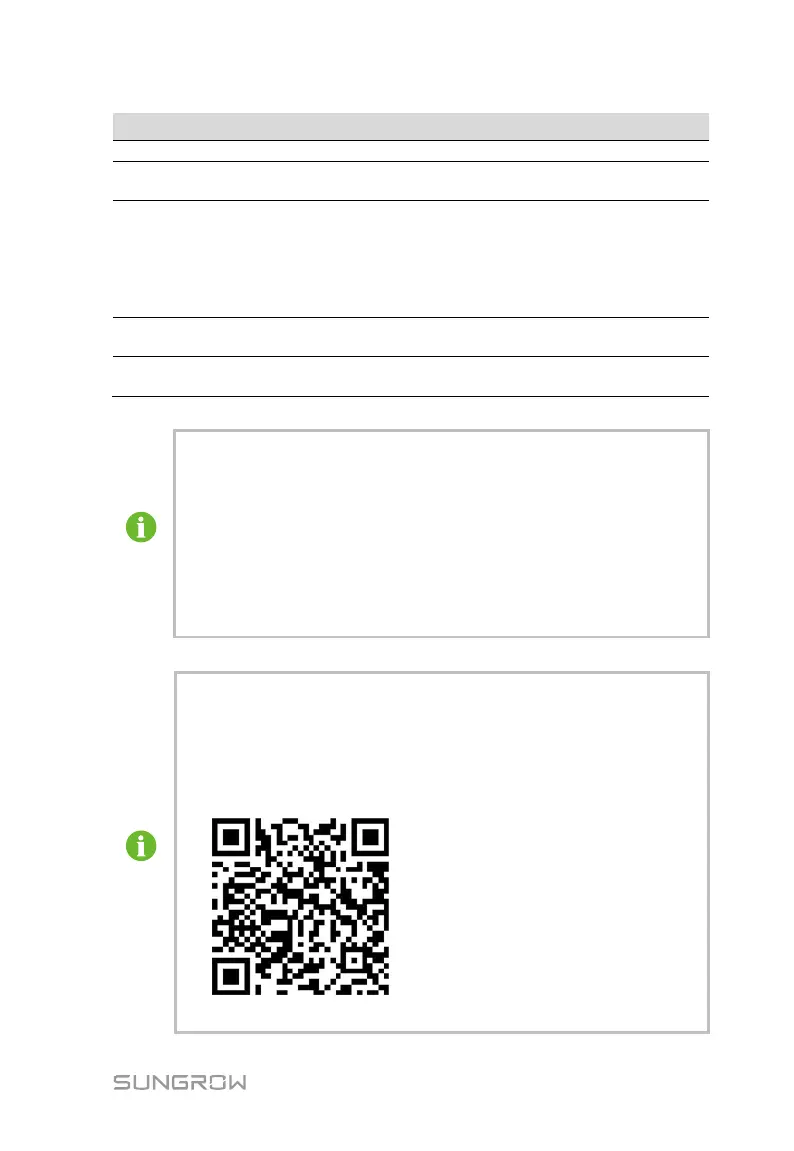
Use the iSolarCloud APP to create a new plant. Users can directly scan
the QR code on the front label of the Logger1000 or manually input the
S/N to add communication equipment. For details, refer to the Quick
Gui
dance of iSolarCloud APP. Scan the bottom QR Code to view or
obtain the Quick Guidance of iSolarCloud APP.



 To Next Page