User Manual 8 Web Interface
43
Remote maintenance switch state
In case the remote maintenance switch is in the "Enable" state, the remote service
address needs to be set. Users in mainland China select "iSolarCloud of China", users
in Europe select "iSolarCloud of Europe", and users in other regions select the
"iSolarCloud of International".
8.10.4 Message Export
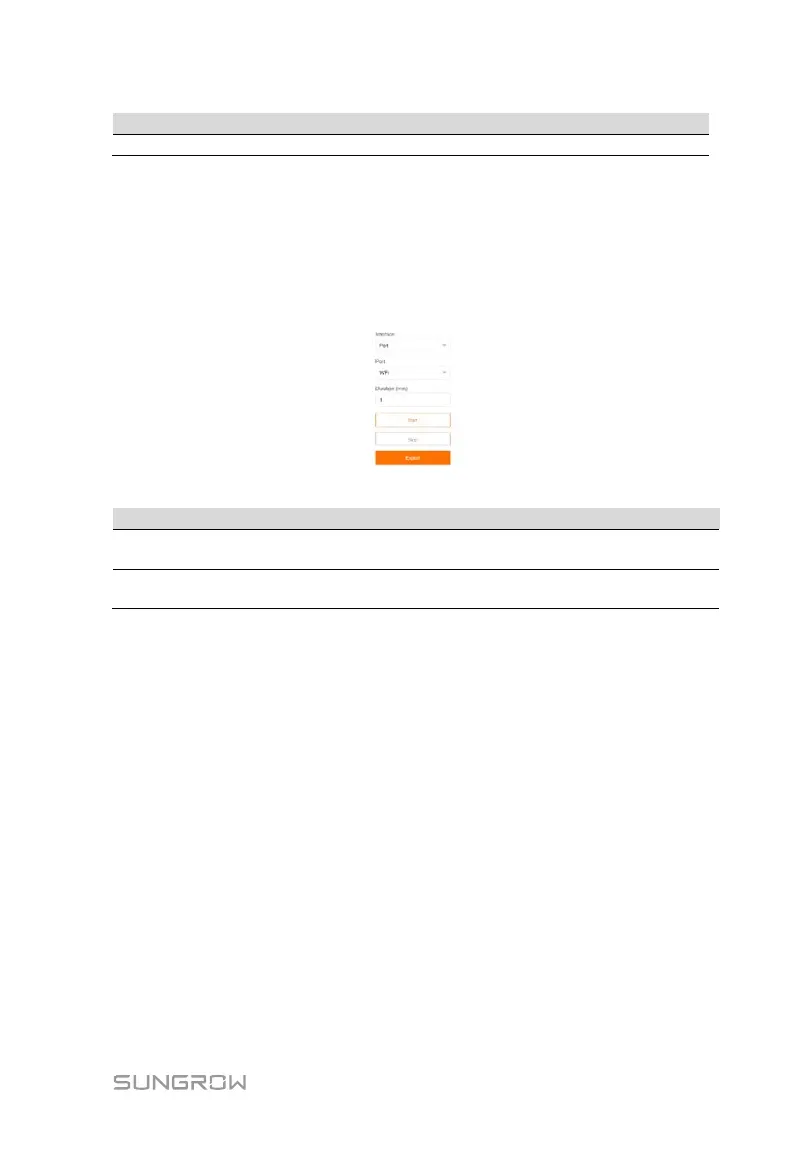
Step 1 Click "System" -> "Message export" to enter the corresponding interface.
Tab. 8-2 Parameter description
Port -
Serial port: COM1, COM2, COM3
Network port: ETH, WiFi, 4G
Duration
Export the message recorded
during the set time
1min ~ 10min
Step 2 Set parameters, including interface, serial port, and duration, and click "Start"
to start recording message. The recording automatically stops when the set
time reaches, or the user may manually click the button "Stop" to stop
recoding message.
Step 3 Click "Export" to export the message.
8.10.5 System Time
Click the "System time" to check whether the current system time is correct,
synchronize the system time, and enable/disable "Inverter timing".
Click "System" -> "System time" to enter the corresponding interface.



 To Next Page