User Manual 9 Grid Dispatching Function
55
S1
S7
S6
S5
S4
S3
S2
S8
15K
DRED
1
2
3
4
R
C
Logger1000
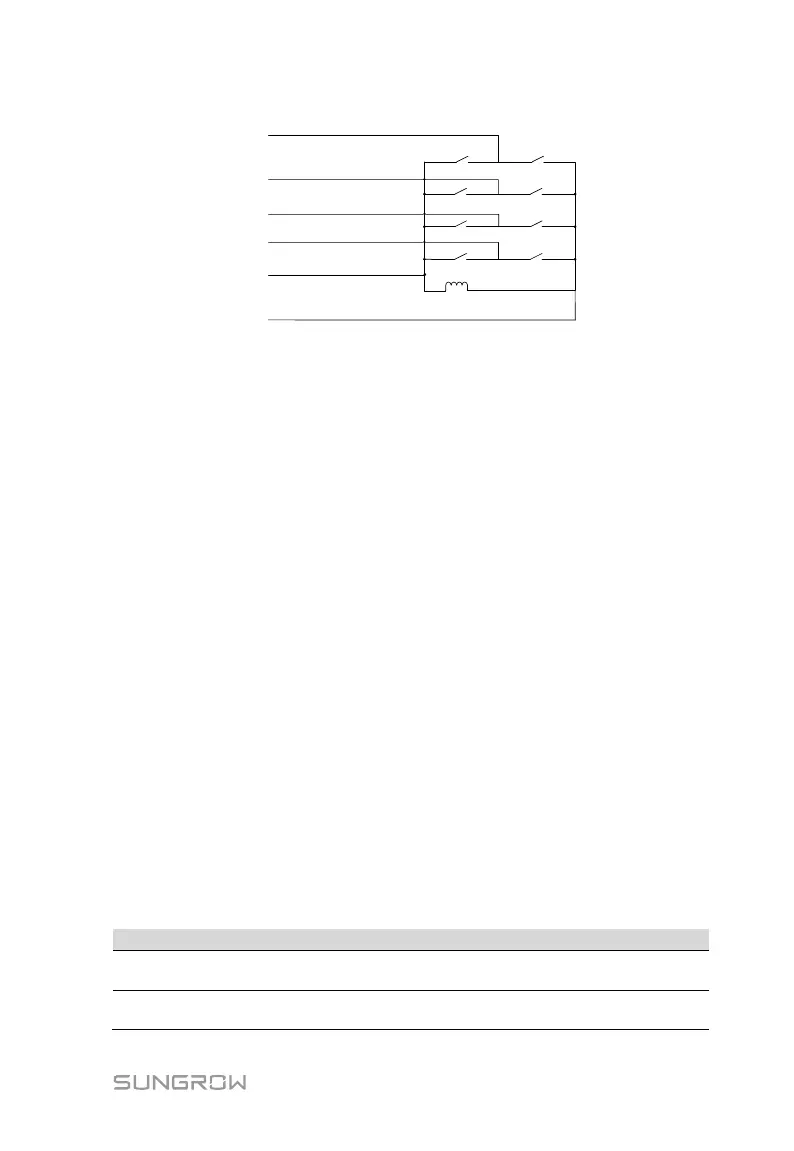
The DRM interface requires that the Logger1000 can be connected to the DRED via
the corresponding wiring terminal or RJ45 connector.
9.3 Power Control
Power regulation includes active power control and reactive power regulation.
9.3.1 Active Power
Disable
If the inverter needs to operate at full load, the active control mode should be set to
"Disable".
Step 1 Click "Power control" -> "Active power" to enter the active power interface.
Step 2 Set the active control mode to "Disable" and click “Save”.
Remote power control
When the instruction source is IEC104 or MODBUS TCP protocol, set the active
control mode to "Remote power control".
Step 1 Click "Power control" -> "Active power" to enter the active power interface.
Step 2 Set the active control mode to "Remote power control".
Step 3 Set remote dispatching parameters. For specific parameter description, refer
to the following Tab. 9-3.
Tab. 9-3 Parameter description
Communication
abnormality output (%)
Communication is abnormal, and specified dispatch
output value is delivered.
Control method
Open loop control: Remote monitoring background is
connected and active instruction of remote dispatching is



 To Next Page