6
RReeaaccttiivvee CCoonnttrrooll
Users can view output curves for parameters such as plant reactive power, reactive
power target value, reactive power of energy storage and bus voltage.
4.2 Current Alarms
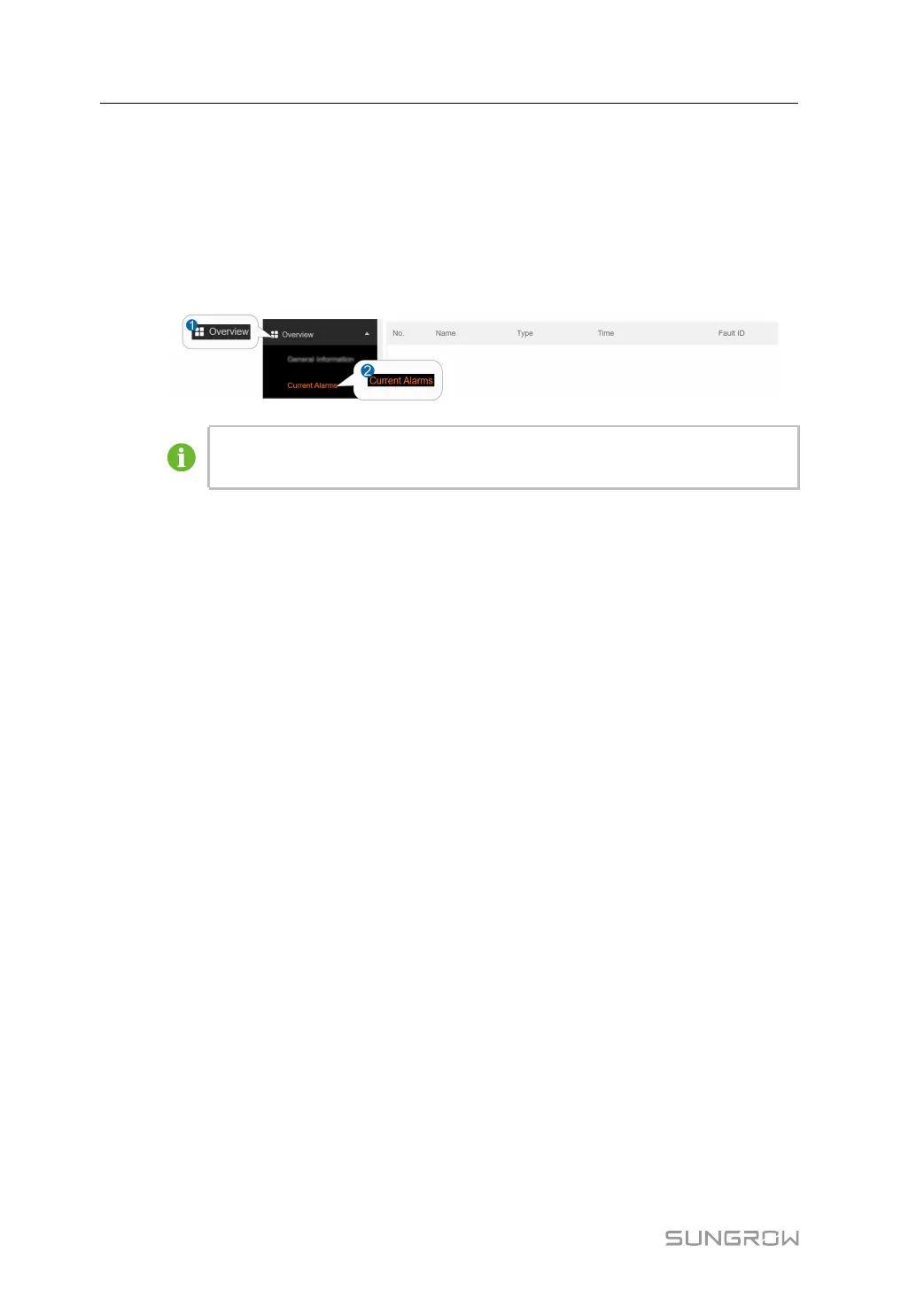
Click OOvveerrvviieeww→→CCuurrrreenntt aallaarrmmss to view the device fault information.
The figure is for reference only. The actual interface may be different and shall
prevail.
Information such as alarm name, alarm type, alarm time and fault ID can be viewed.
Click FFaauulltt IIDD to see the corresponding solutions.
4 Overview User Manual



 To Next Page