23
step 4 Click SSaavvee to complete the settings.
-- -- EEnndd
The PPooiinntt--bbyy--ppooiinntt lliimmiitt mmeetthhoodd , SSlliiddiinngg aavveerraaggee mmeetthhoodd ((sseeccoonnddss)) , and SSlliiddiinngg
aavveerraaggee mmeetthhoodd ((mmiinnuutteess)) functions are effective as shown in the following table:
CCoonnttrrooll
mmeetthhoodd
SSttaabbiilliizzee
fflluuccttuuaattiioonnss
AAccttiivvee ppoowweerr
ccoonnttrrooll
PPrriimmaarryy ffrreeqquueennccyy
mmoodduullaattiioonn
EEnnttrryy--iinnttoo--
ffoorrccee
ccoonnddiittiioonnss
Commissioning Ceasing Ceasing
Commissioning Ceasing
Commissioning but
the frequency does
not exceed the dead
zone
6.8 Multi Energy Coordination
To optimize and control the power operation of PV and energy storage system in real
time based on the real-time operation status, power generation forecast results, grid
dispatch demand, and other information of PV and energy storage system.
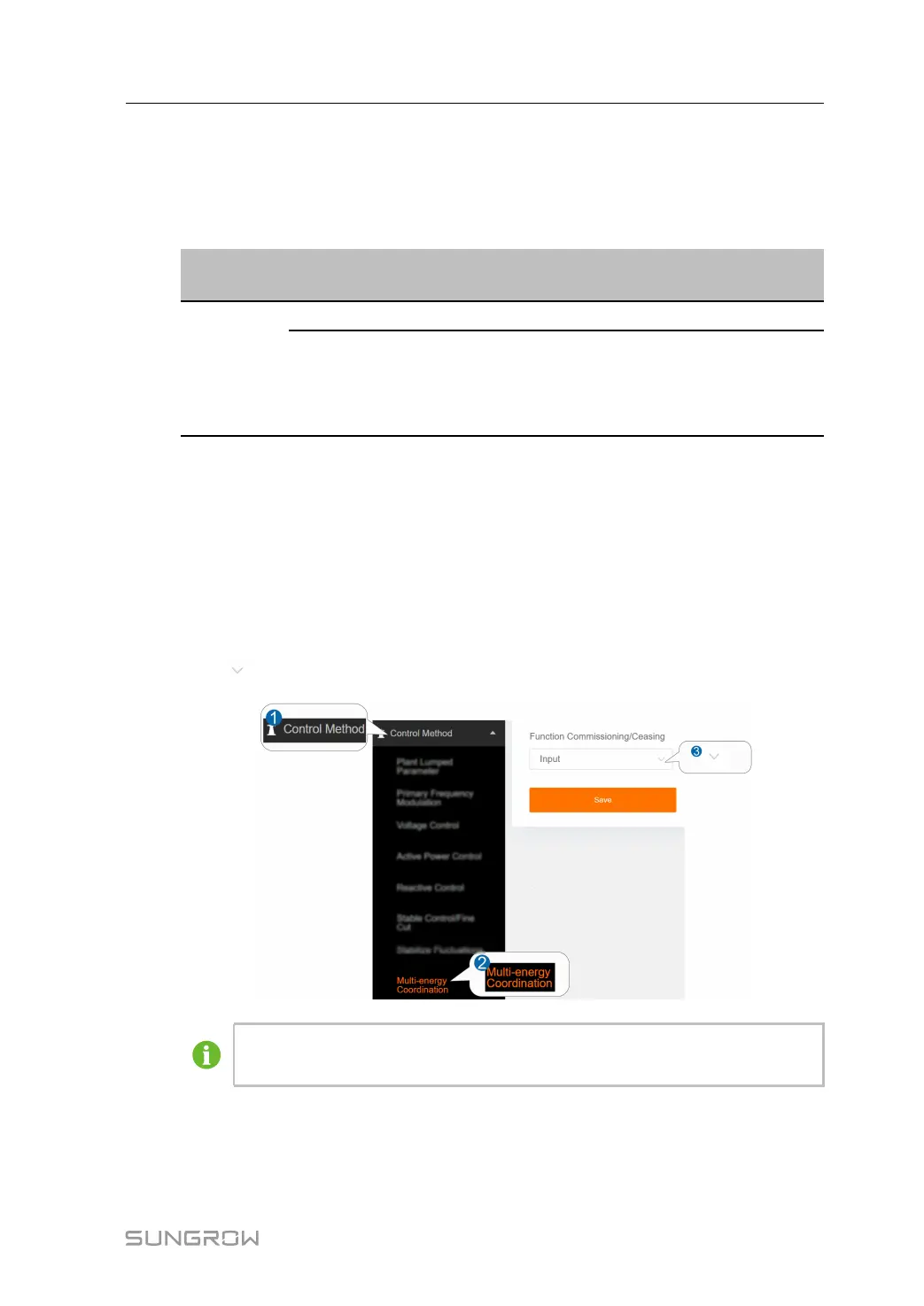
step 1 Click CCoonnttrrooll MMeetthhoodd→→MMuullttii EEnneerrggyy CCoooorrddiinnaattiioonn to enter the corresponding
interface.
step 2 Click
to set the status of the FFuunnccttiioonn CCoommmmiissssiioonniinngg//CCeeaassiinngg .
The figure is for reference only. The actual interface may be different and shall
prevail.
step 3 Click SSaavvee to complete the settings.
-- -- EEnndd
User Manual 6 Control Method



 To Next Page